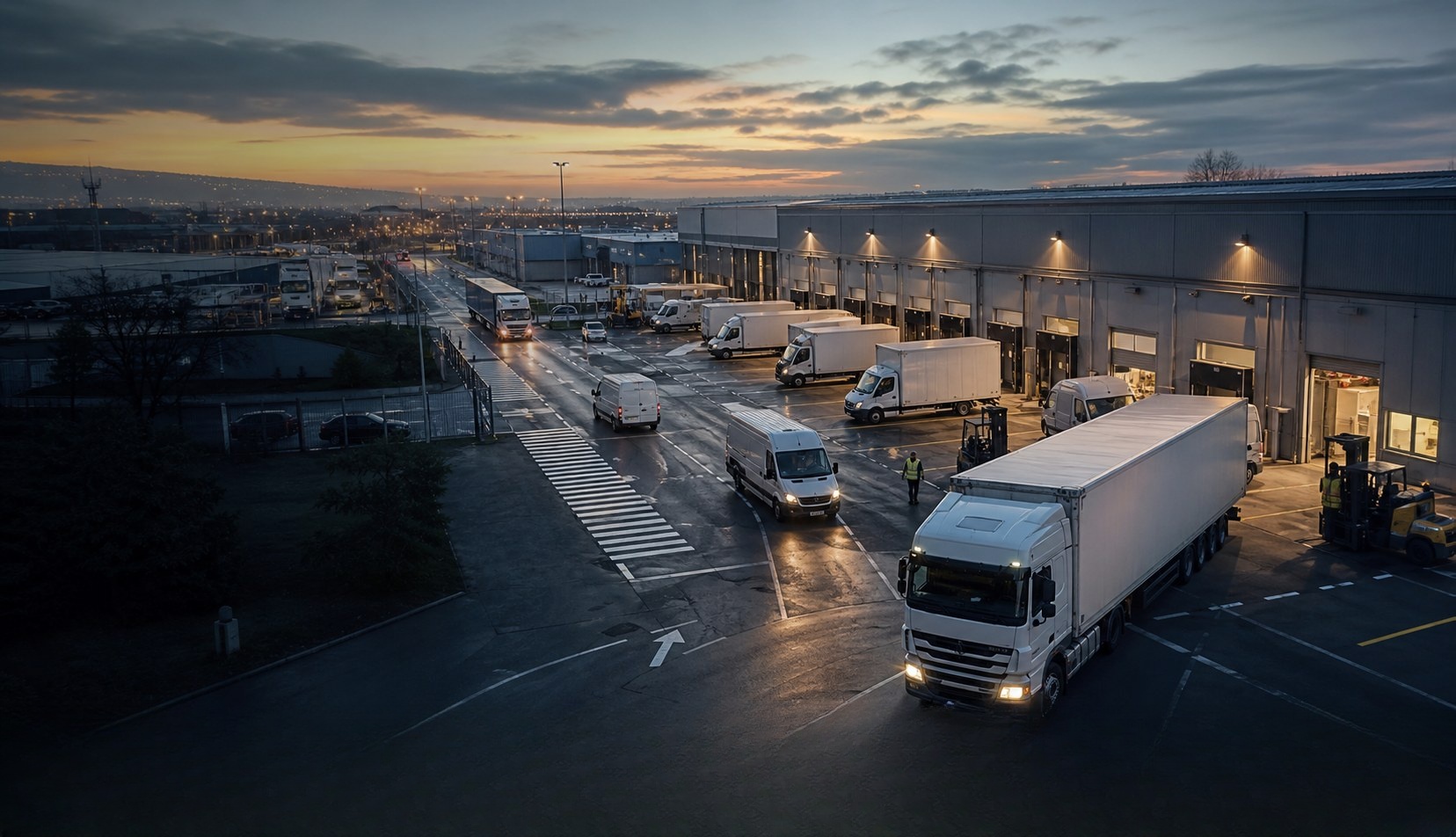
Fleet telematics
Know where every vehicle is and what happened during the day
Explore fleet and industrial telematics around the real operating environment. See where vehicles are, whether they are in use and what happened on the route without repeatedly calling drivers.
Tell us what is difficult todayProblems your team will recognise
What keeps costing time, money or peace of mind?
Start with the calls, delays, missing information and disagreements that happen during a normal working day.
A temperature excursion without time, location and access context is difficult to investigate and may delay release decisions.
Engine hours, fuel-related data and warning conditions often reach the office too late for useful maintenance planning.
Dispatch cannot easily prove where loading, drum-direction changes or tipping occurred, leaving delivery disputes dependent on calls and paperwork.
Route deviations, unexpected compartment access and environmental exceptions require rapid investigation and project-specific controls.
Overspeed events, driver identification and urgent dispatch messages are often spread across separate processes.
What changes
See what your team can manage more easily.
Each answer connects one familiar problem to information your team can understand and act on.
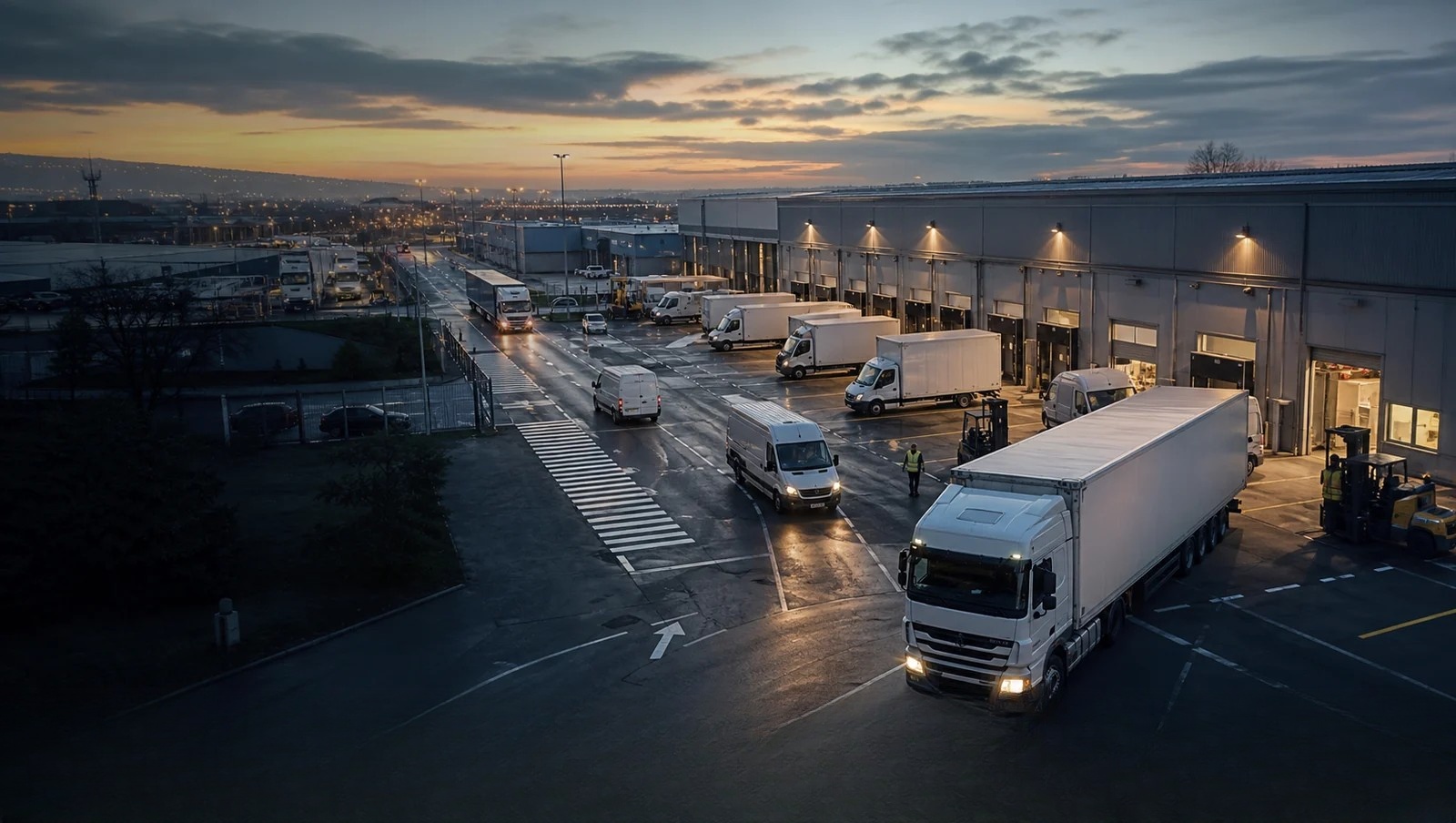
Give last-mile dispatch a clearer vehicle picture
What becomes easierDispatch spends less time chasing locations and has better context for delays and customer questions.
How it works: Position, trip history, ignition status and geofences can create one shared record of the delivery day.
Connect temperature exceptions to the pharmaceutical journey
What becomes easierQuality teams can investigate each temperature exception with its time, route and selected access events in one record.
How it works: Validated temperature sensors, position and selected door events can be transmitted together when calibration and reporting requirements are defined.
Use machine data to plan heavy-fleet maintenance
What becomes easierMaintenance teams gain a more timely operating record and can investigate emerging issues before the next manual inspection.
How it works: On compatible vehicles, CAN/J1939 data can be combined with position and activity records after the available parameters are validated.
Connect loading and discharge events to each trip
What becomes easierOperations teams receive a reviewable delivery timeline and can investigate out-of-zone discharge more quickly.
How it works: Configured I/O signals can represent selected drum or tipping states and bind them to time and location.
Why it matters
Why fleet visibility matters beyond a moving dot
A useful fleet record explains more than where a vehicle is. It helps an operator understand when a route started, where time was lost, whether a work event happened and which exception deserves attention. The hardware must fit the vehicle, the operating process and the platform that turns those events into action.
How the information reaches your team
From the device to the platform your team already uses.
Here is the simple explanation first. The technical connection is shown underneath for teams that need it.
See every vehicle's day in one place
Review current position, complete routes, stops and time spent at each place without repeatedly calling drivers.
Technical support: GPS/BDS positioning and trip historyKnow whether a vehicle is running and what happened around it
See ignition on or off and connect supported door, SOS, mixer, tipping or other work signals.
Technical support: ACC and configurable I/OBring the vehicle's own information into the platform
On compatible vehicles, collect available engine hours, fuel use, temperature, mileage and warning data after validation.
Technical support: CAN / J1939See temperature, door and safety events beside the route
Put supported sensor events on the same timeline so the office can understand where and when an exception happened.
Technical support: Serial, 1-Wire and external sensor inputsWhat to measure in a trial
Look for changes your team can actually notice.
Measure fewer location calls, quicker answers, clearer records and better-timed action. We do not invent savings percentages before a real pilot.
Fewer calls to establish where vehicles are
A reviewable record of stops and covered areas
Earlier context for detours, power loss and unexpected access
Vehicle activity can support more relevant service planning
Arrival and journey records help answer timing questions
Working with your current operation
Keep the tools and processes that already work.
We match the device to your platform, vehicles, sensors and daily workflow instead of asking your team to start again.
Keep the platform your team already uses
We check whether the device can send the location, status and alarm information your existing system needs before recommending it.
Change settings without recalling every vehicle
Where supported, reporting intervals and selected settings can be adjusted remotely after installation.
Manage vehicles, machines and unpowered assets together
Different device types can be chosen for each asset while their useful information is brought into the platform your team already uses.
Add the information your operation is missing
Supported door, temperature, fuel, driver and machine-data inputs are matched to the events your team actually wants to see.
common operating situations
Find the situation that feels most like yours.
Each example begins with a problem your team may already be dealing with and shows what information could make it easier.
Fleet telematics
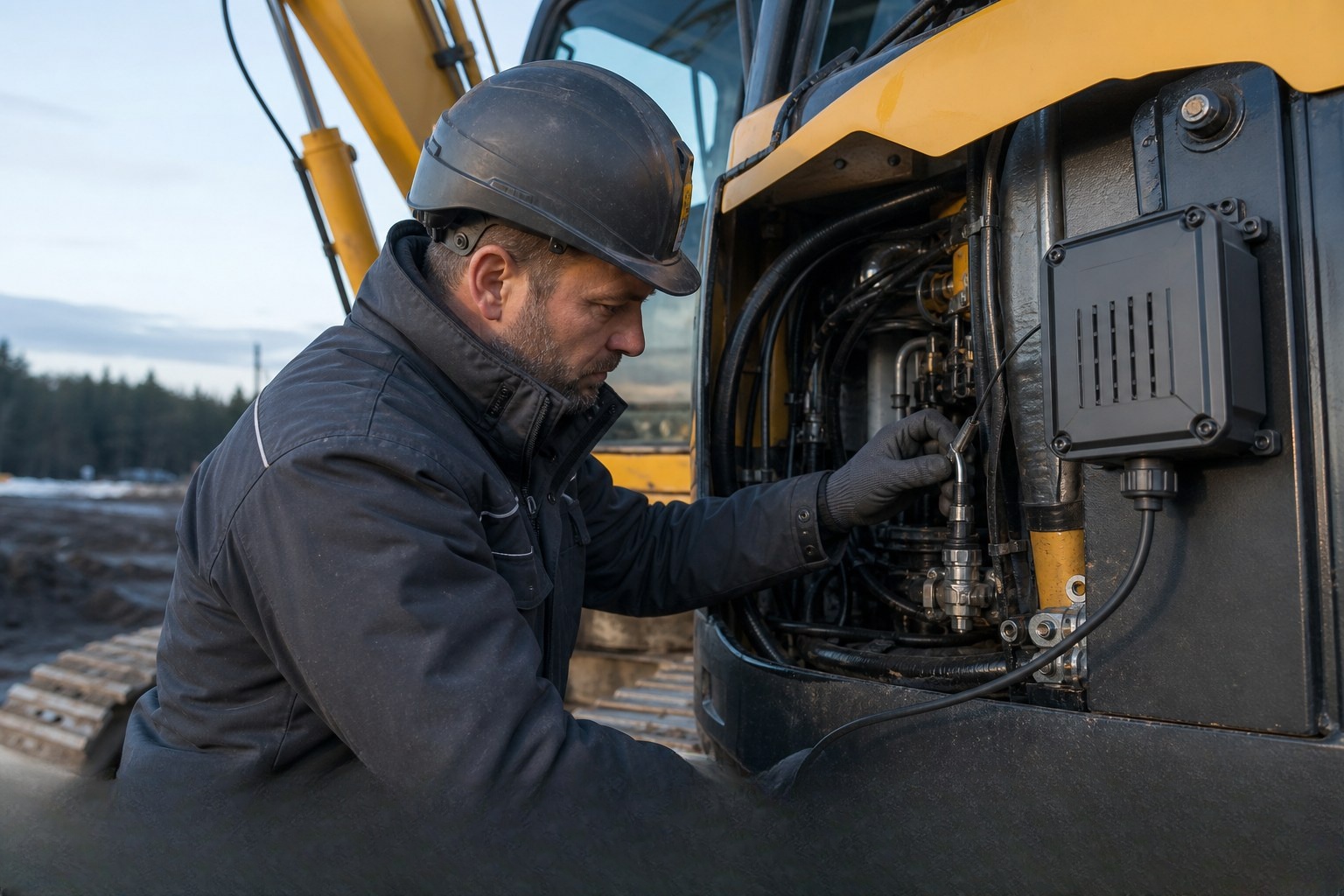
Use machine data to plan heavy-fleet maintenance
Engine hours, fuel-related data and warning conditions often reach the office too late for useful maintenance planning.
What becomes easierMaintenance teams gain a more timely operating record and can investigate emerging issues before the next manual inspection.
See how it works Fleet telematics
Give last-mile dispatch a clearer vehicle picture
Route changes, late stops and private detours are difficult to separate when dispatch relies on driver updates.
What becomes easierDispatch spends less time chasing locations and has better context for delays and customer questions.
See how it works 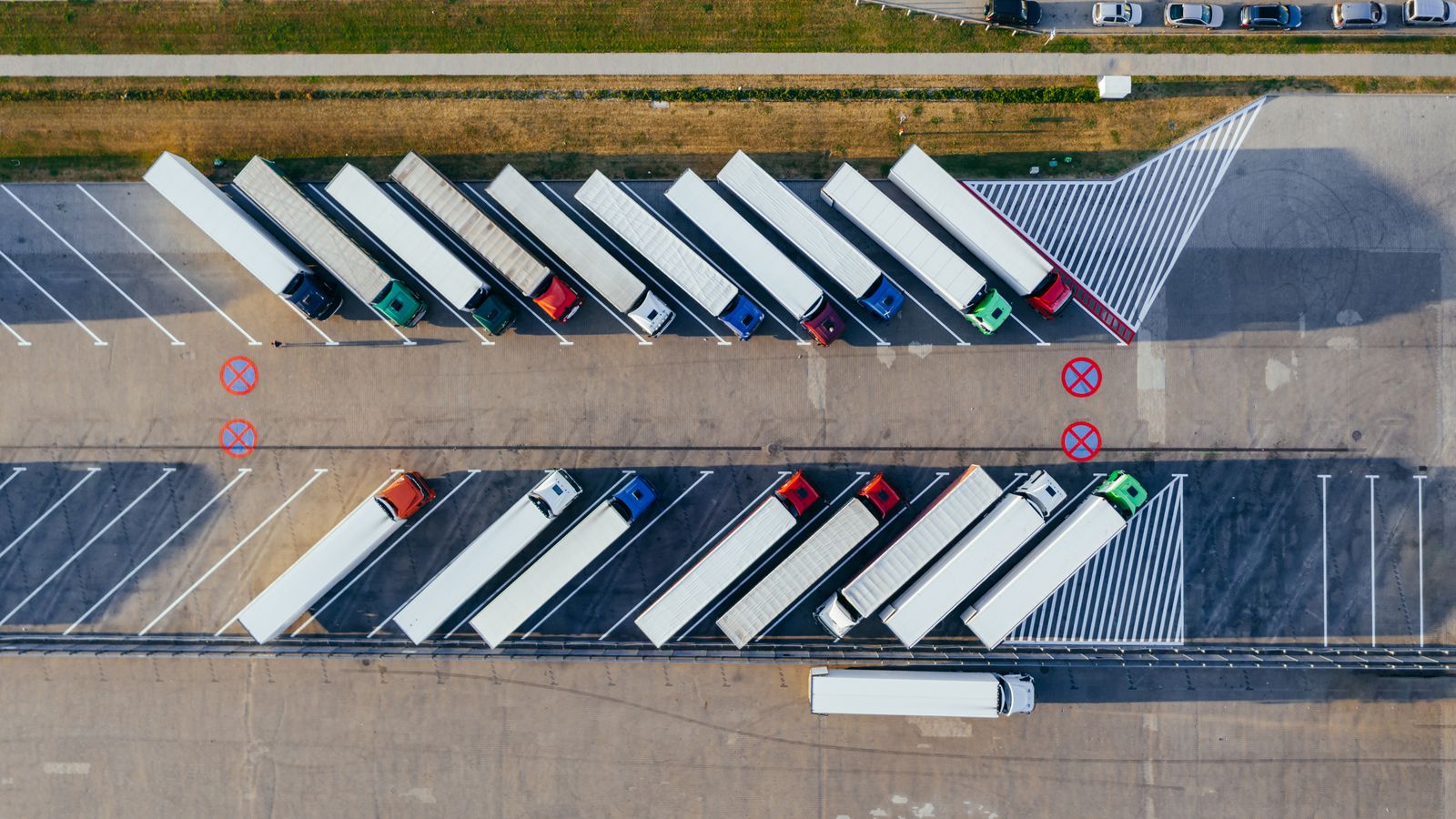
Fleet telematics
Turn field-service arrivals into a reviewable record
Dispatch cannot always see who is closest, and arrival or departure disputes consume office time.
What becomes easierTeams can route work with better context and answer customer timing questions more consistently.
See how it works Hardware that may fit
Start with documented options for this working environment.
3 documented options to compare
Priority solution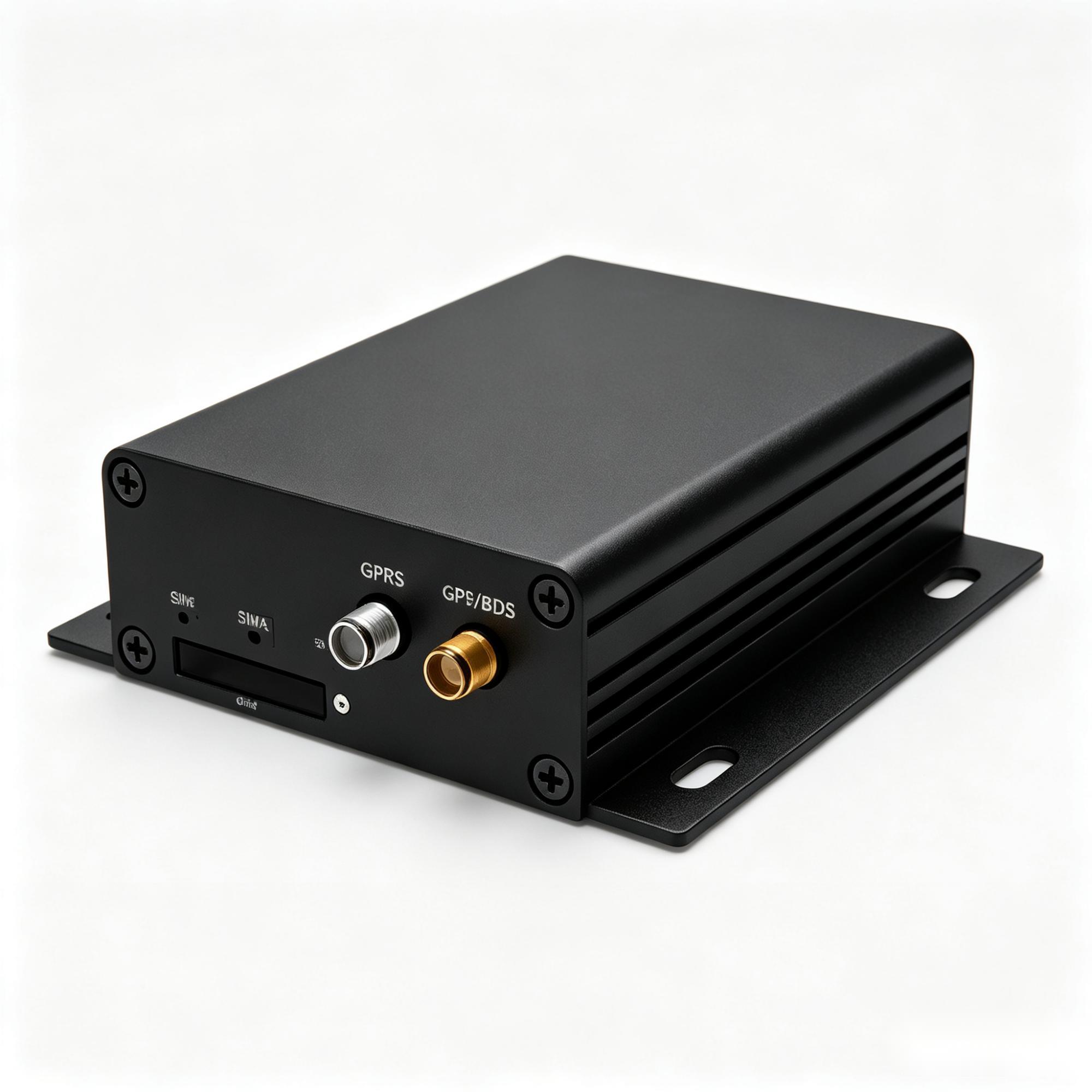
A300
See where each machine is, how long it worked and what needs attention
For excavators, tractors, trucks and specialist equipment where location alone is not enough. It can bring available machine data, work states and matched sensors into the customer's platform.
Heavy equipmentMachine dataSensor projects
See where it fits 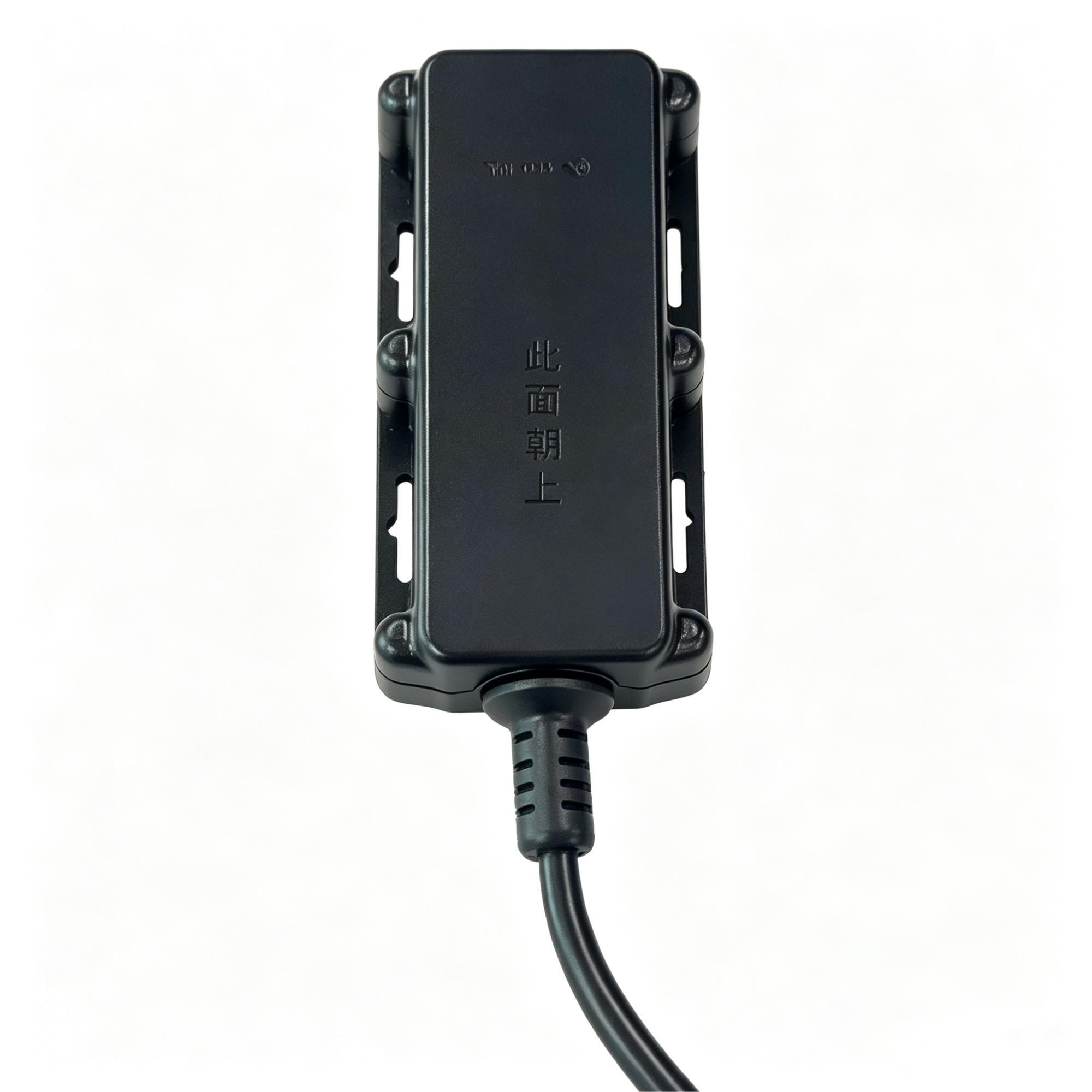
A700
Keep powered outdoor equipment visible without paying for machine-data functions
A protected, wide-voltage tracker for exposed vehicles and equipment that need location, movement and power events, but do not need CAN engine data.
Outdoor equipmentIP67Powered assets
See where it fits Priority solution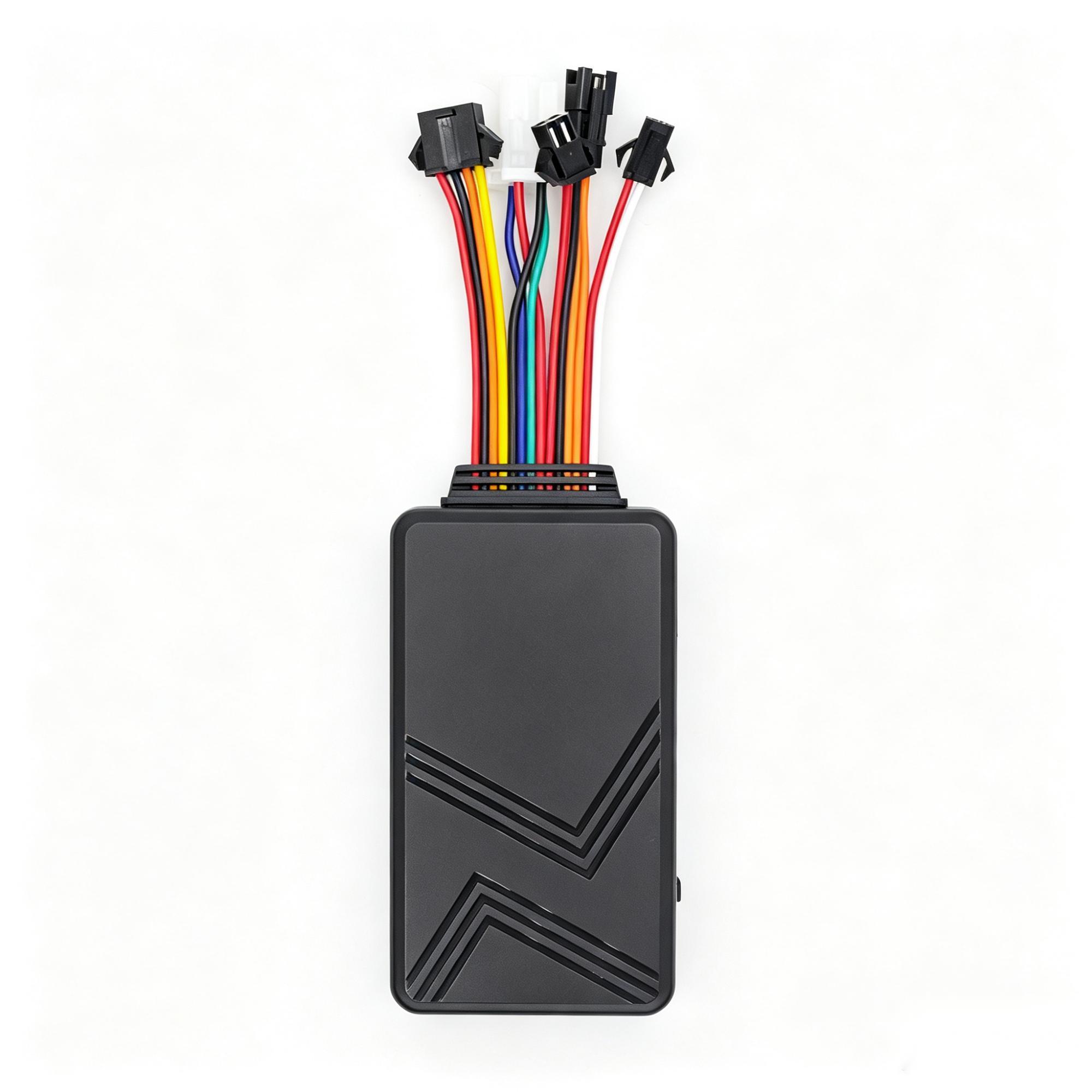
C003F
Start with fleet tracking, then add the information your operation is missing
For logistics, rental and service fleets that need routine tracking with supplier-documented options for driver identity, temperature, fuel, camera and SOS workflows; each option remains project-confirmed.
Expandable fleetsDriver IDTemperature & fuel
See where it fits These are candidate models, not an automatic final selection. Network bands, interfaces, approvals, installation and platform fit are confirmed for the exact project.
What needs special attention
Every industry has a different working reality.
Weather, power, vehicle data, coverage and response responsibilities change what a useful solution looks like. Use the four checks below to shape the brief and pilot.
Define the fleet record
Start with time, location, trip or event records and name the source: device/controller, calculated interval or manual note. Optional ID, temperature and fuel inputs stay project-checked.
Match the installation path
Use a terminal, connectivity and receiver for the core record; add sensors or ID only when needed. Confirm power, mounting, coverage and offline handling before rollout.
Choose route and cost owner
Device direct, platform API/export and historic migration are distinct. Customer/platform owner confirms permitted access; procurement agrees hardware/connectivity; platform team agrees API/storage/licence; installer agrees wiring.
Agree the pilot record
Compare sample source timestamps, units and gaps with dispatch output. The customer sets the operational threshold; platform owner confirms received fields and the implementation team records exceptions.
Questions customers usually ask
Clear answers before you spend time on a pilot.
Can one tracker fit every vehicle?
Not responsibly. Power, mounting, data access and environment are checked by vehicle type.
Can it connect to an existing platform?
Yes when the device protocol and required events are supported and tested with that platform.
Will it read all CAN data?
Only parameters exposed by the compatible vehicle and validated during integration should be promised.
Can a small fleet start with a pilot?
Yes. A limited group can validate installation, data quality and operating value before expansion.
Build a clearer Road fleets operation.
Discuss the requirementMore working environments
Explore other industries
Project boundary
Data depth is agreed before hardware.
Location and basic status do not prove CAN/J1939, fuel, hours or video capability. We define the needed fields, compare possible suppliers and confirm the device, receiver and sample path before any rollout decision. Existing platforms remain in scope where technically feasible; fees and responsibilities are agreed per project.