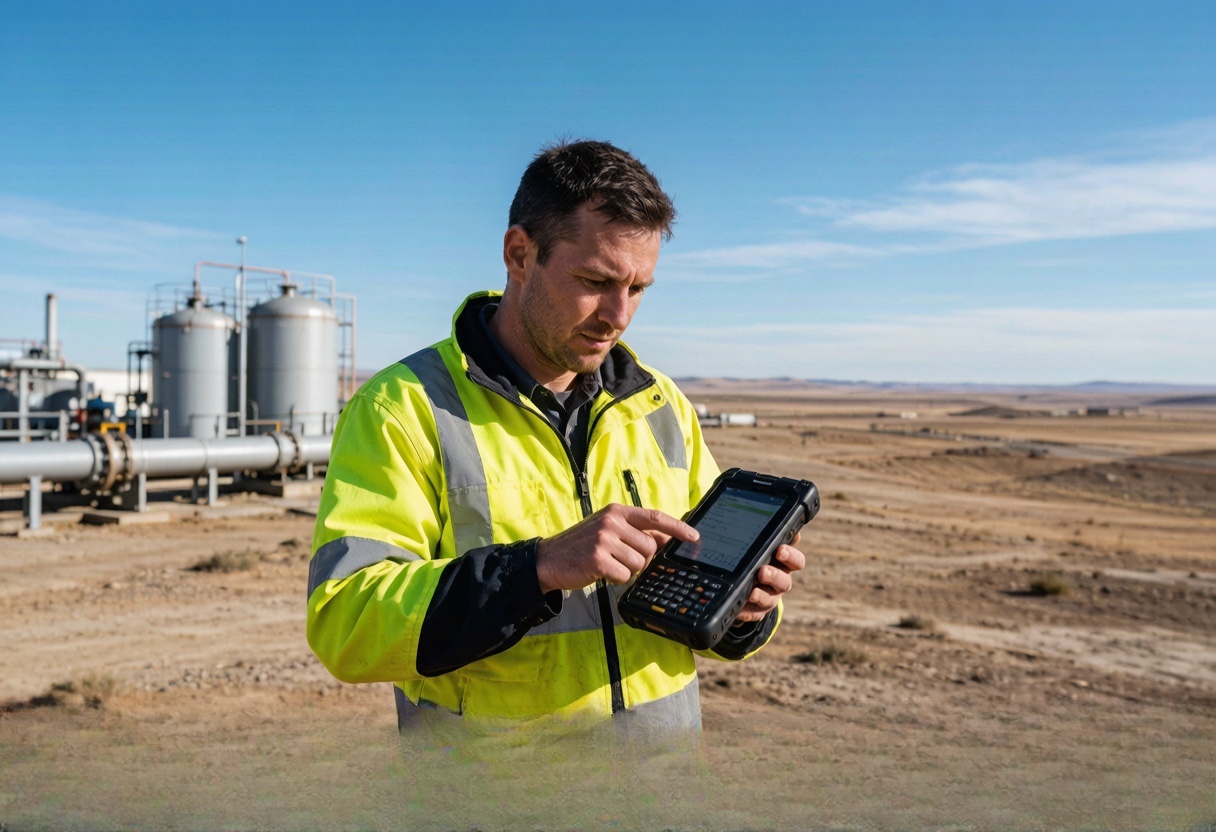
Workforce safety & field operations
Give field teams a clearer visit and emergency response record
Explore fleet and industrial telematics around the real operating environment. Give field teams a practical way to share visit or emergency location when the job and local policy require it.
Tell us what is difficult todayProblems your team will recognise
What keeps costing time, money or peace of mind?
Start with the calls, delays, missing information and disagreements that happen during a normal working day.
Field visits, exceptions and urgent calls may be scattered across messages, spreadsheets and memory.
Arrival, departure and visit routes may be recorded manually, creating disputes and administrative work.
An alert has little value when nobody owns the response and escalation workflow.
Privacy and employment rules shape when location data may be collected and used.
Battery life and connectivity can change across long shifts and remote work areas.
What changes
See what your team can manage more easily.
Each answer connects one familiar problem to information your team can understand and act on.
Add location and SOS events to lone-worker procedures
What becomes easierSafety teams gain another alert channel; the device does not replace risk assessment, training or emergency planning.
How it works: A project-matched wearable can provide position, SOS and selected no-motion or fall events as part of a wider safety procedure.
Coordinate field teams from the operations desk
What becomes easierManagers gain a clearer operations record for follow-up while privacy, consent and response rules remain part of the deployment.
How it works: A project-matched phone workflow, badge, wearable or vehicle device can create visit, position and SOS events according to workforce policy.
Record selected field visits without relying on memory
What becomes easierManagers gain a more consistent visit record while privacy and employment requirements remain part of the deployment.
How it works: A project-matched badge, phone workflow or vehicle-based device can create geofenced visit events according to workforce policy.
Give a lone worker a simple way to ask for help
What becomes easierProvide location with a selected SOS or no-motion event
How it works: Use suitable wearable equipment to send location with an SOS, no-motion or supported safety event.
Why it matters
Why workforce tracking starts with policy
A device can provide an event, but it cannot replace a lone-worker procedure, emergency plan or fair workforce policy. The project must define who is monitored, when data is collected, who responds and which local rules apply before hardware is selected.
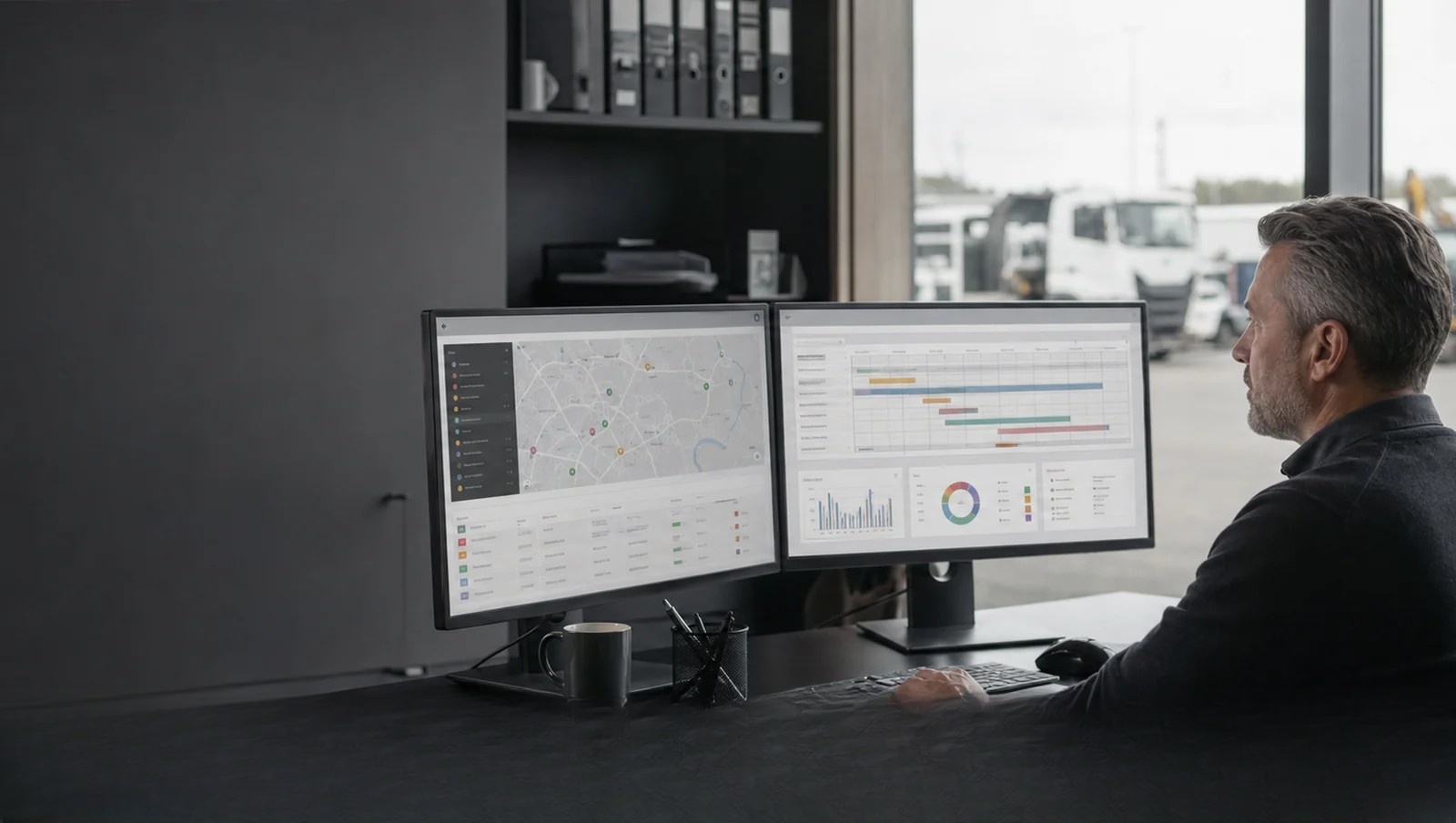
How the information reaches your team
From the device to the platform your team already uses.
Here is the simple explanation first. The technical connection is shown underneath for teams that need it.
Give a lone worker a simple way to ask for help
Use suitable wearable equipment to send location with an SOS, no-motion or supported safety event.
Technical support: Specialist wearable hardwareUnderstand field visits without asking for constant updates
Where appropriate, use the service vehicle's route and stop record to add context to the working day.
Technical support: Vehicle location and trip historyConfirm when a team arrived at and left a work site
Create automatic visit events around selected customer, inspection or maintenance locations.
Technical support: Geofenced arrival and departureMake sure an alert reaches somebody who can act
Send selected events to the customer's approved platform and documented response team.
Technical support: Platform alert integrationWhat to measure in a trial
Look for changes your team can actually notice.
Measure fewer location calls, quicker answers, clearer records and better-timed action. We do not invent savings percentages before a real pilot.
Provide location with a selected SOS or no-motion event
Create more consistent arrival and departure evidence
Route alerts to the team responsible for acting
Limit collection to a defined operating purpose
Understand where selected resources are during work hours
Working with your current operation
Keep the tools and processes that already work.
We match the device to your platform, vehicles, sensors and daily workflow instead of asking your team to start again.
Keep the platform your team already uses
We check whether the device can send the location, status and alarm information your existing system needs before recommending it.
Change settings without recalling every vehicle
Where supported, reporting intervals and selected settings can be adjusted remotely after installation.
Manage vehicles, machines and unpowered assets together
Different device types can be chosen for each asset while their useful information is brought into the platform your team already uses.
Add the information your operation is missing
Supported door, temperature, fuel, driver and machine-data inputs are matched to the events your team actually wants to see.
common operating situations
Find the situation that feels most like yours.
Each example begins with a problem your team may already be dealing with and shows what information could make it easier.
Workforce safety & field operations
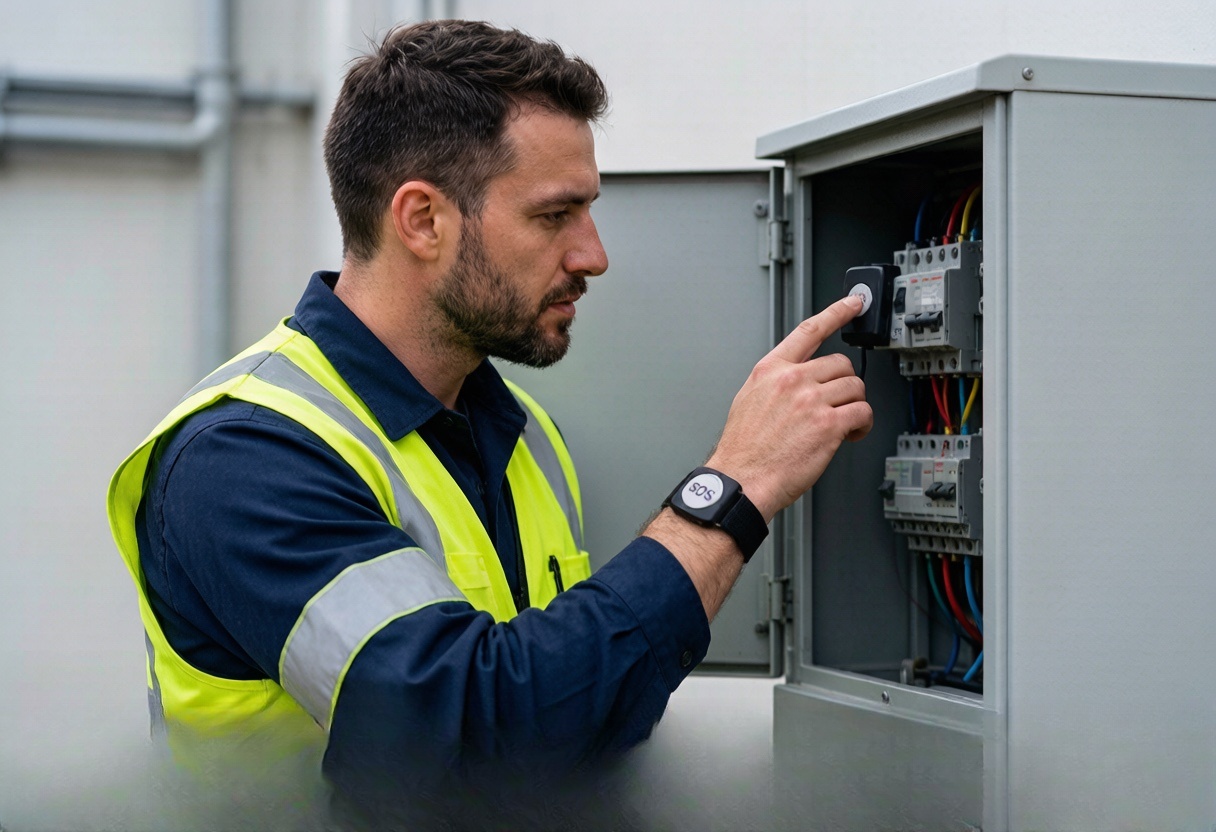
Add location and SOS events to lone-worker procedures
A worker operating alone may be unable to report an incident quickly, especially outside a vehicle.
What becomes easierSafety teams gain another alert channel; the device does not replace risk assessment, training or emergency planning.
See how it works 
Workforce safety & field operations
Record selected field visits without relying on memory
Arrival, departure and visit routes may be recorded manually, creating disputes and administrative work.
What becomes easierManagers gain a more consistent visit record while privacy and employment requirements remain part of the deployment.
See how it works 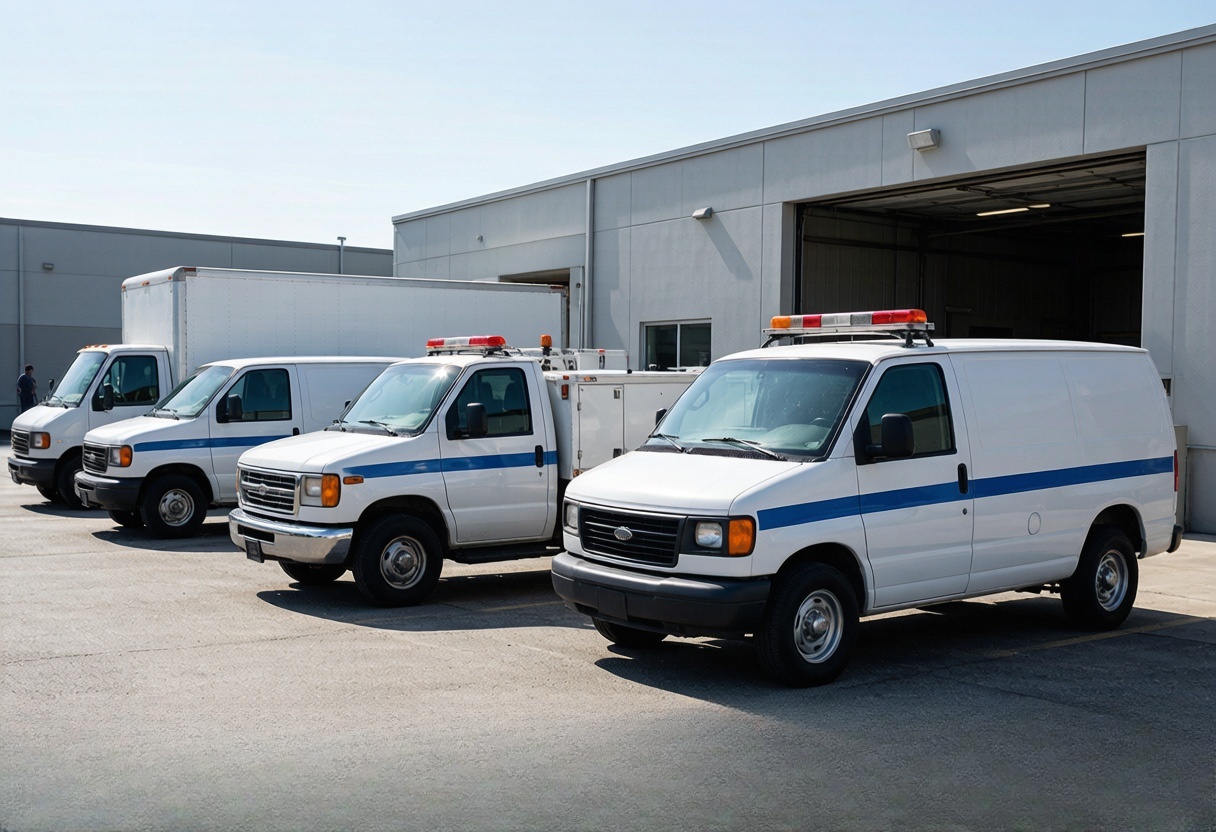
Workforce safety & field operations
Coordinate field teams from the operations desk
Field visits, exceptions and urgent calls may be scattered across messages, spreadsheets and memory.
What becomes easierManagers gain a clearer operations record for follow-up while privacy, consent and response rules remain part of the deployment.
See how it works Hardware that may fit
Start with documented options for this working environment.
1 documented option to compare
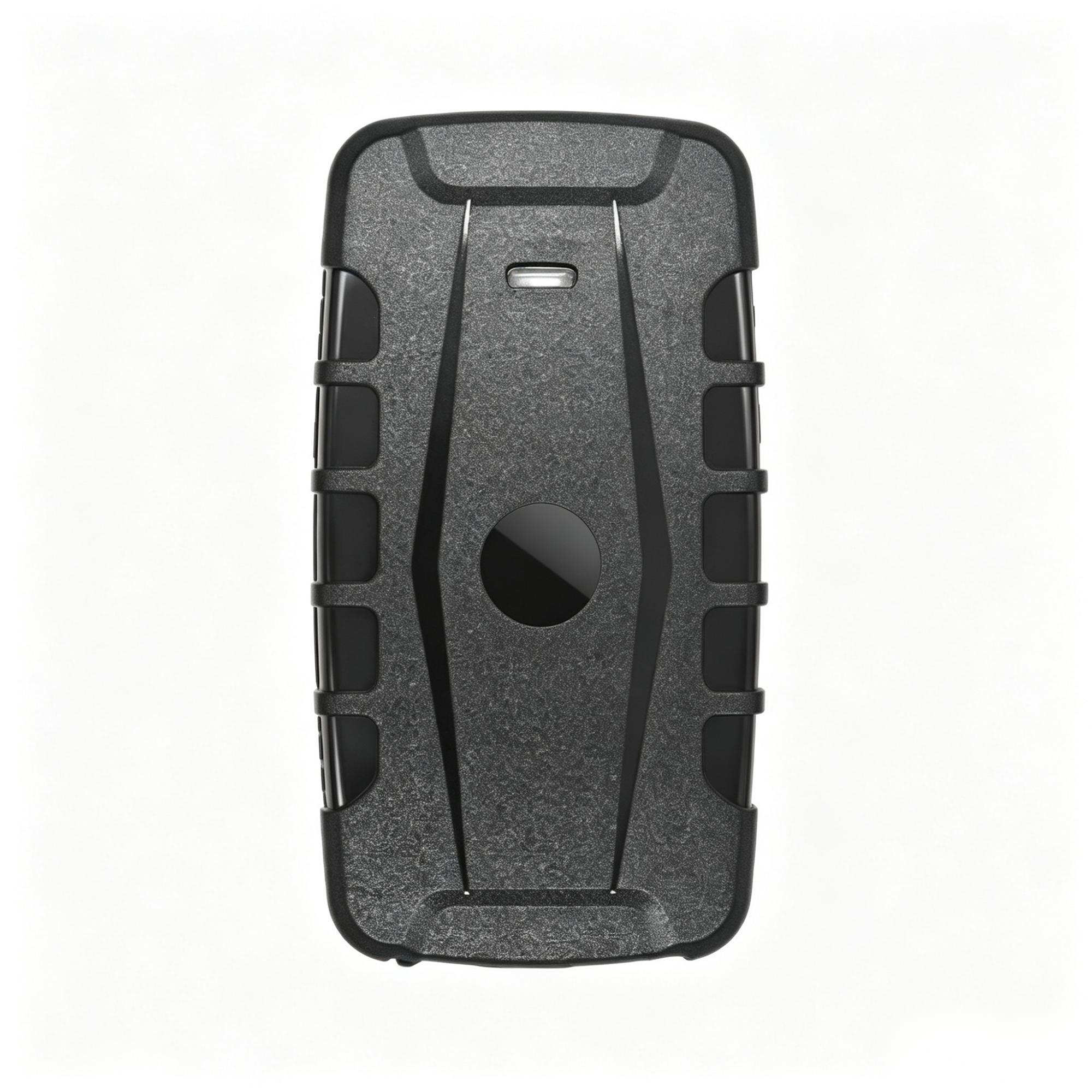
These are candidate models, not an automatic final selection. Network bands, interfaces, approvals, installation and platform fit are confirmed for the exact project.
What needs special attention
Every industry has a different working reality.
Weather, power, vehicle data, coverage and response responsibilities change what a useful solution looks like.
Tell people clearly when and why location is used
Define the purpose, access and retention rules before selecting a device.
Make sure somebody owns every safety alert
An SOS is useful only when a named person or team receives it and knows what to do next.
Plan for the real shift and working area
Set battery and reporting around hours, coverage and the places the worker actually visits.
Use a device made for people when the job needs one
Choose suitable wearable hardware for SOS and safety events instead of repurposing a vehicle tracker.
Questions customers usually ask
Clear answers before you spend time on a pilot.
Does a wearable make a lone worker compliant?
No. It may support a wider risk assessment and response procedure but does not create compliance alone.
Can workers be tracked continuously?
That depends on lawful purpose, notice, policy and local employment and privacy requirements.
What happens after an SOS event?
The customer's platform and documented response team must receive, verify and escalate it.
Can vehicle trackers replace personnel devices?
Usually not where wearable SOS, fall detection or indoor location is required.
Build a clearer Workforce operation.
Discuss the requirementMore working environments