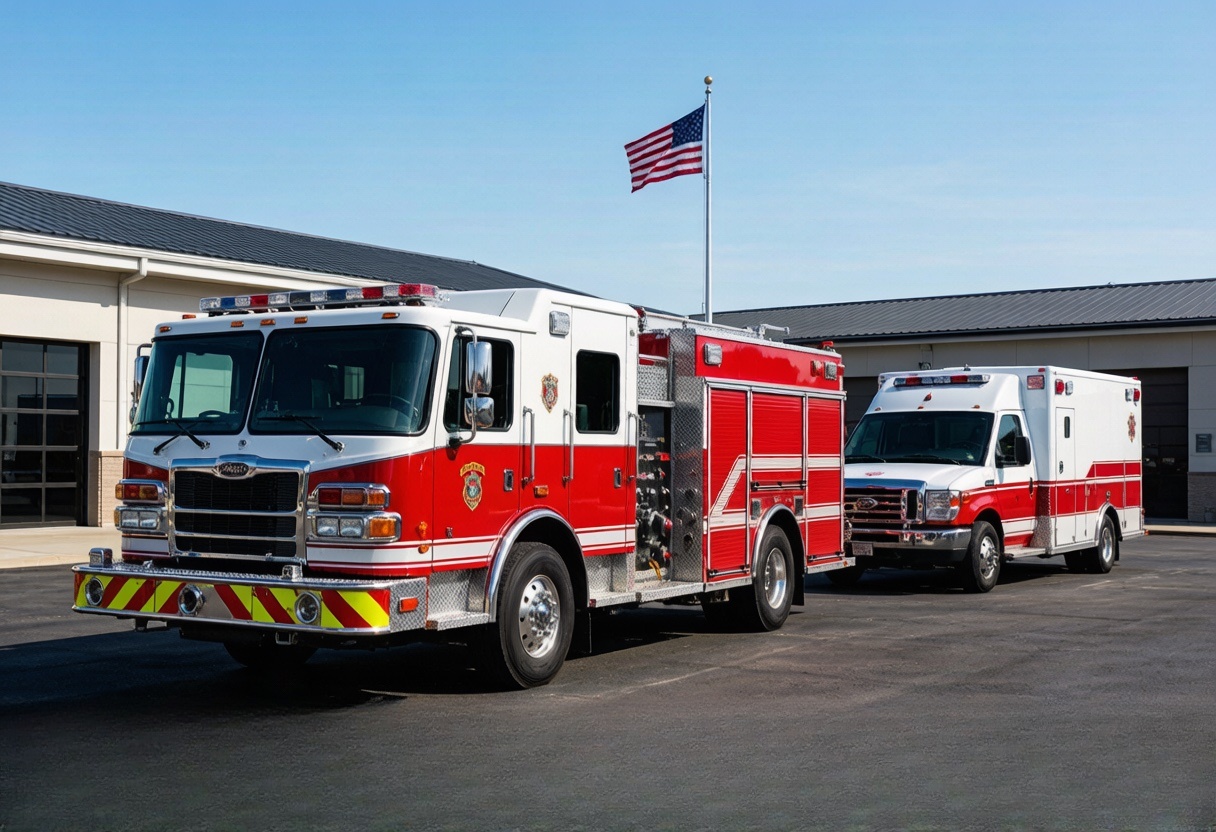
Utilities & emergency services
Help dispatch find the right vehicle and understand its current status
Explore fleet and industrial telematics around the real operating environment. Help dispatch find the nearest suitable vehicle and understand selected readiness or response events sooner.
Tell us what is difficult todayProblems your team will recognise
What keeps costing time, money or peace of mind?
Start with the calls, delays, missing information and disagreements that happen during a normal working day.
Reliability and data-handling requirements may be stricter than those of an ordinary commercial fleet.
Dispatch needs to understand vehicle location and equipment readiness without waiting for several manual status calls.
Mixed departments need clear ownership, access and retention rules for operational data.
Equipment readiness is often reported manually and becomes outdated during an incident.
Security and procurement approval can delay otherwise straightforward hardware projects.
What changes
See what your team can manage more easily.
Each answer connects one familiar problem to information your team can understand and act on.
Verify utility inspection routes across wide service areas
What becomes easierDispatch can locate available resources faster and review whether planned areas were reached.
How it works: Vehicle location, route history and geofenced work areas can provide a shared operational view.
Match public-service fleets with protected data handling
What becomes easierThe programme gains an evidence-based hardware selection process without an unsupported security or compliance guarantee.
How it works: Protected hardware and supported encryption options can be evaluated against the customer's platform, policy and jurisdiction; formal approval is separate.
Connect response vehicles and selected equipment status
What becomes easierResponse teams gain a more current resource picture for allocation and post-incident review.
How it works: A machine-data gateway can combine vehicle position with compatible external equipment or compartment signals and selected dispatch messages.
Find the nearest suitable vehicle without repeated radio checks
What becomes easierFind the nearest appropriate vehicle or unit faster
How it works: Give dispatch a current position and route view across the service territory.
Why it matters
Why operational visibility matters when response time is limited
Utilities and emergency teams coordinate people, vehicles and equipment under time pressure. A shared location and status record can support allocation and post-event review, but public-service security, procurement and approval requirements must be scoped separately.
How the information reaches your team
From the device to the platform your team already uses.
Here is the simple explanation first. The technical connection is shown underneath for teams that need it.
Find the nearest suitable vehicle without repeated radio checks
Give dispatch a current position and route view across the service territory.
Technical support: Live position and trip historySee whether key compartments or equipment are ready
Connect supported doors, switches and readiness sensors so important status changes reach the control room.
Technical support: External I/O and sensor signalsBring available vehicle and equipment information into the same view
On compatible units, collect selected engine, mileage, hour or warning data after validation.
Technical support: CAN / J1939 and machine dataFit the data handling rules your organisation already follows
Check server, protocol, encryption, access and retention requirements before selecting hardware.
Technical support: Project-defined security and platform integrationWhat to measure in a trial
Look for changes your team can actually notice.
Measure fewer location calls, quicker answers, clearer records and better-timed action. We do not invent savings percentages before a real pilot.
Find the nearest appropriate vehicle or unit faster
Review whether planned service areas were reached
Bring selected compartment or equipment events into dispatch
Preserve a clearer timeline after the response
Use vehicle and equipment activity to support service scheduling
Working with your current operation
Keep the tools and processes that already work.
We match the device to your platform, vehicles, sensors and daily workflow instead of asking your team to start again.
Keep the platform your team already uses
We check whether the device can send the location, status and alarm information your existing system needs before recommending it.
Change settings without recalling every vehicle
Where supported, reporting intervals and selected settings can be adjusted remotely after installation.
Manage vehicles, machines and unpowered assets together
Different device types can be chosen for each asset while their useful information is brought into the platform your team already uses.
Add the information your operation is missing
Supported door, temperature, fuel, driver and machine-data inputs are matched to the events your team actually wants to see.
common operating situations
Find the situation that feels most like yours.
Each example begins with a problem your team may already be dealing with and shows what information could make it easier.
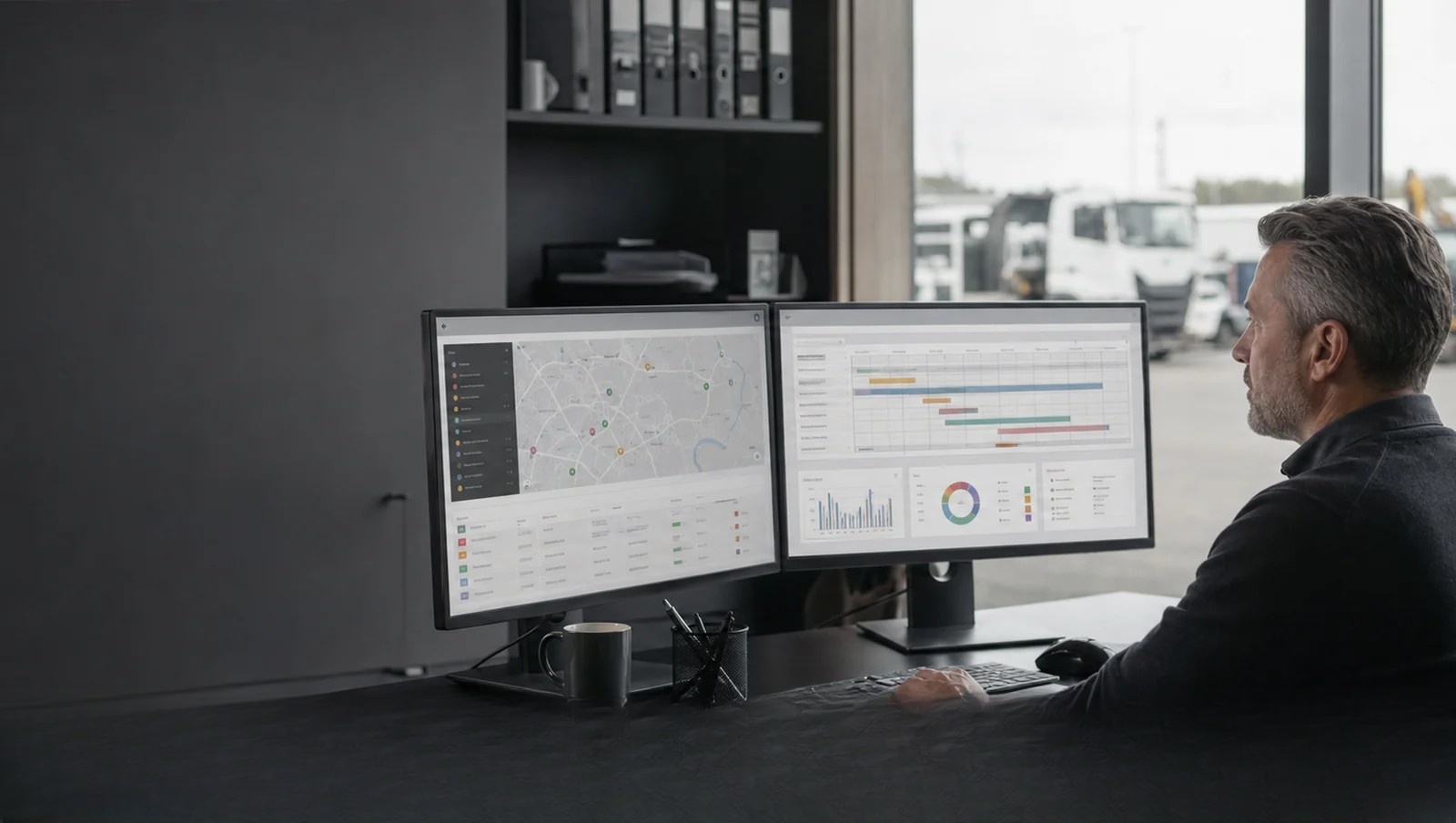
Utilities & emergency services
Verify utility inspection routes across wide service areas
Vehicles, crews and mobile equipment are dispersed, making service coverage and emergency reassignment hard to verify.
What becomes easierDispatch can locate available resources faster and review whether planned areas were reached.
See how it works 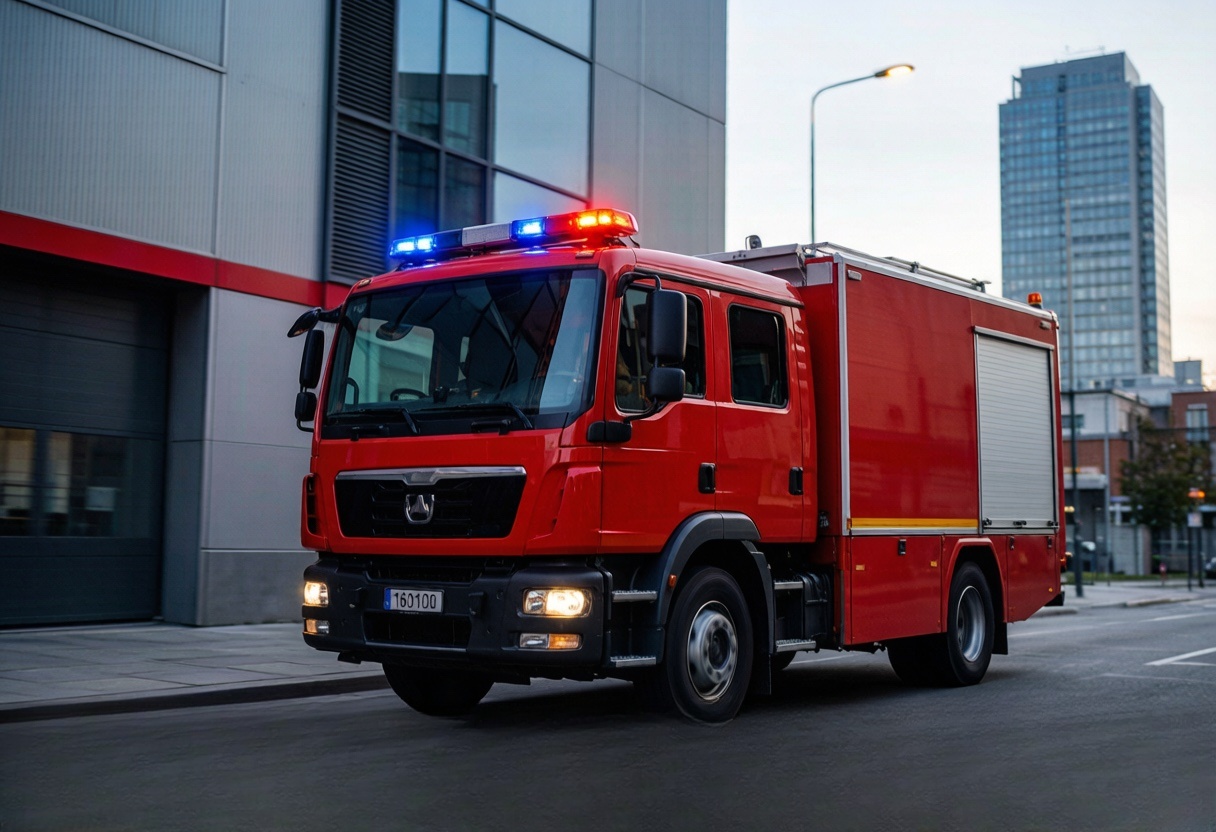
Utilities & emergency services
Connect response vehicles and selected equipment status
Dispatch needs to understand vehicle location and equipment readiness without waiting for several manual status calls.
What becomes easierResponse teams gain a more current resource picture for allocation and post-incident review.
See how it works 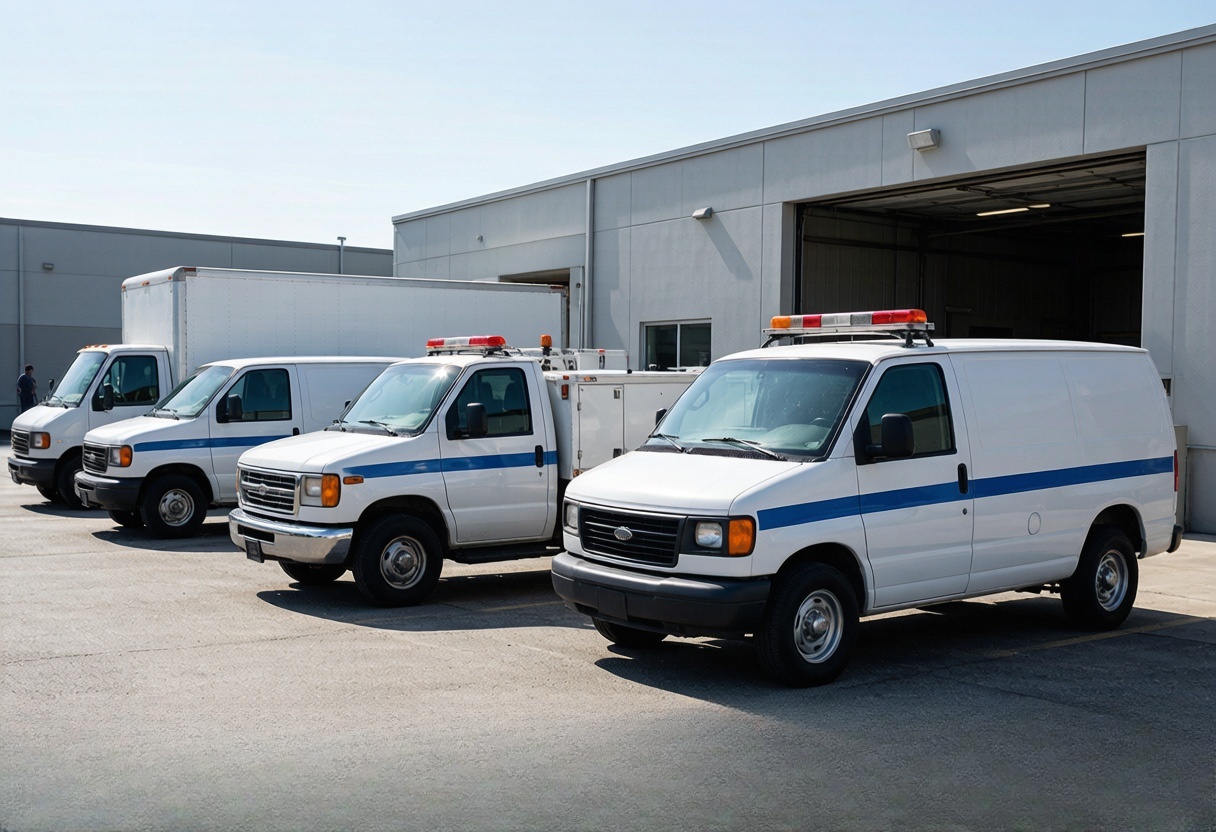
Utilities & emergency services
Match public-service fleets with protected data handling
Reliability and data-handling requirements may be stricter than those of an ordinary commercial fleet.
What becomes easierThe programme gains an evidence-based hardware selection process without an unsupported security or compliance guarantee.
See how it works Hardware that may fit
Start with documented options for this working environment.
3 documented options to compare
Priority solution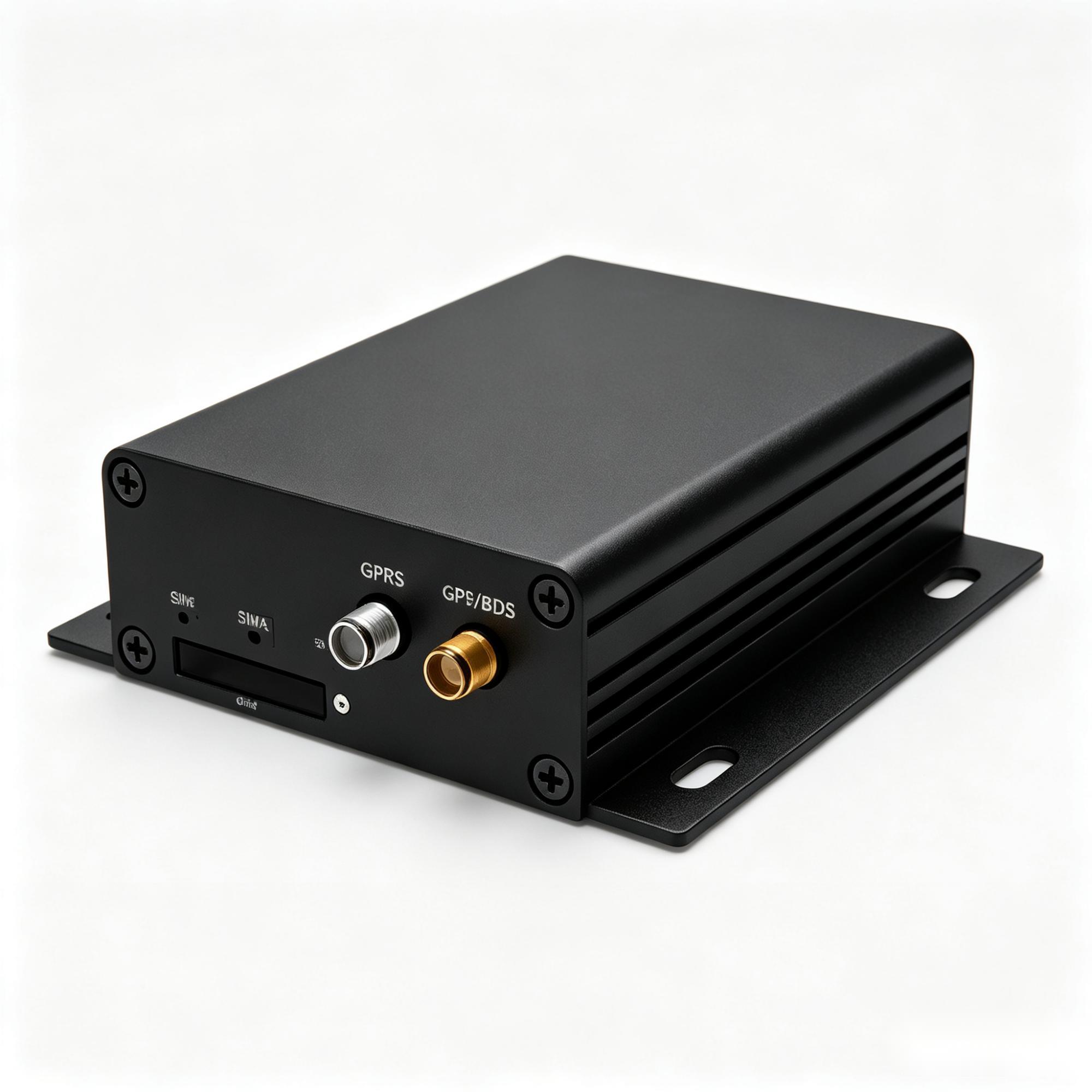
A300
See where each machine is, how long it worked and what needs attention
For excavators, tractors, trucks and specialist equipment where location alone is not enough. It can bring available machine data, work states and matched sensors into the customer's platform.
Heavy equipmentMachine dataSensor projects
See where it fits 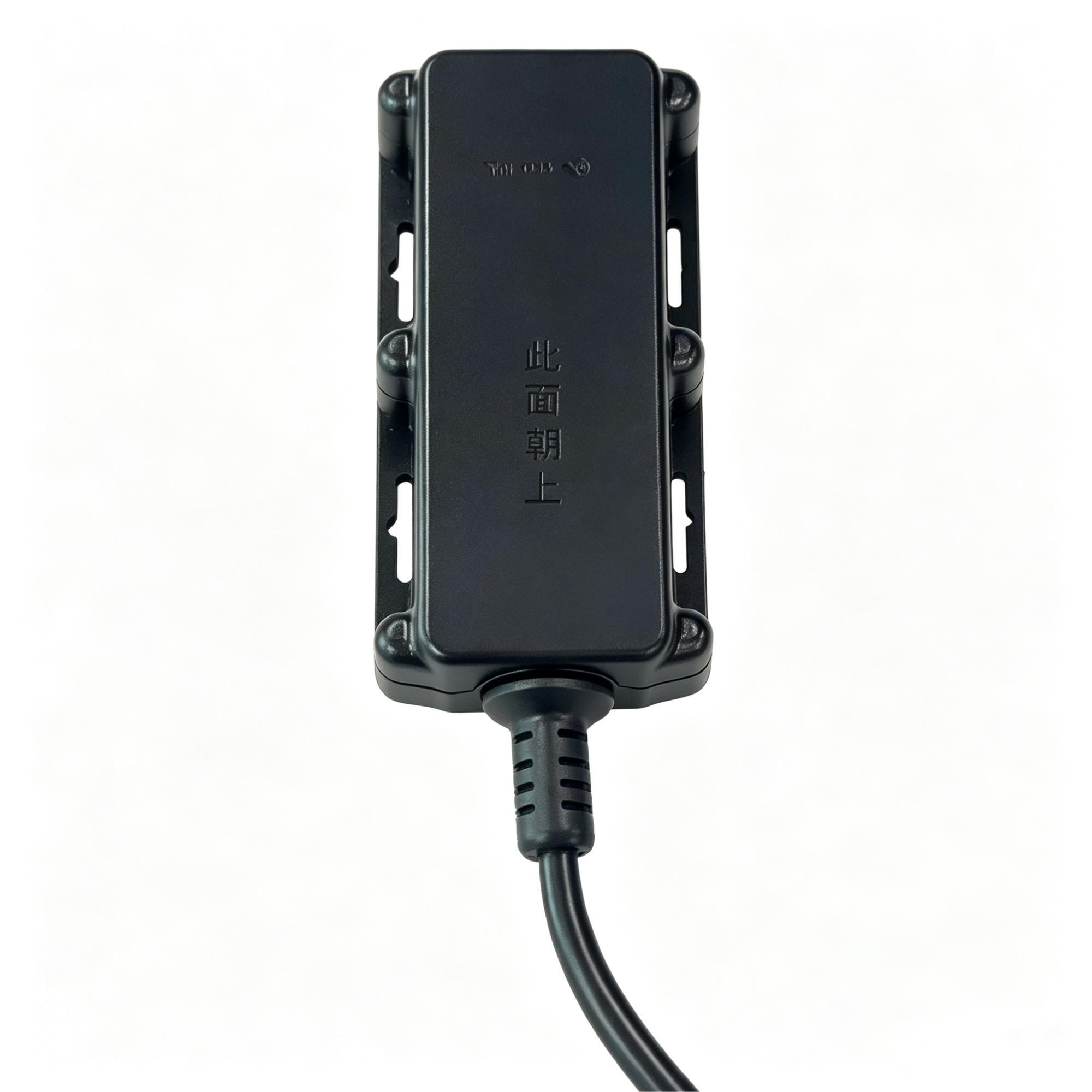
A700
Keep powered outdoor equipment visible without paying for machine-data functions
A protected, wide-voltage tracker for exposed vehicles and equipment that need location, movement and power events, but do not need CAN engine data.
Outdoor equipmentIP67Powered assets
See where it fits Priority solution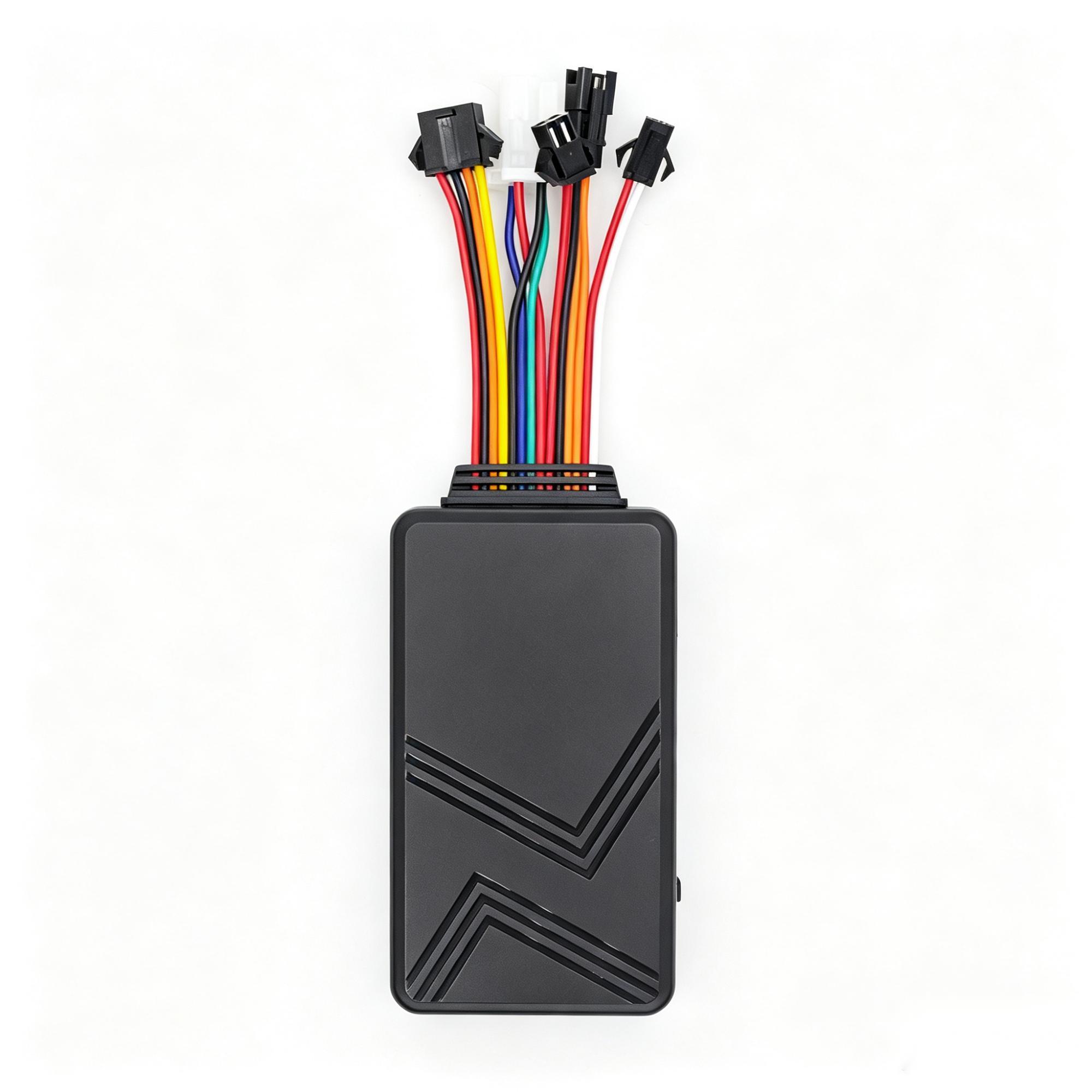
C003F
Start with fleet tracking, then add the information your operation is missing
For logistics, rental and service fleets that need routine tracking with supplier-documented options for driver identity, temperature, fuel, camera and SOS workflows; each option remains project-confirmed.
Expandable fleetsDriver IDTemperature & fuel
See where it fits These are candidate models, not an automatic final selection. Network bands, interfaces, approvals, installation and platform fit are confirmed for the exact project.
What needs special attention
Every industry has a different working reality.
Weather, power, vehicle data, coverage and response responsibilities change what a useful solution looks like.
See vehicles and important field equipment together
Use the right device for each resource while keeping the dispatch view practical.
Send alerts the control room can understand immediately
Focus on events with a clear owner and action instead of filling the screen with raw data.
Adjust supported settings without bringing every vehicle back
Use approved remote settings where the selected device and organisation allow them.
Complete security approval before operational reliance
Hardware selection supports the project but does not replace the organisation's formal security review.
Questions customers usually ask
Clear answers before you spend time on a pilot.
Can the system automatically dispatch emergency vehicles?
Hardware supplies position and events; dispatch logic belongs to the customer's approved platform.
Is encrypted transmission automatically approved for public service?
No. Algorithms, platform architecture and jurisdiction-specific approval must be assessed.
Can equipment status be monitored?
Yes where a compatible electrical or sensor signal is available and the event is defined.
Can different departments share one platform?
Potentially, if access controls, data ownership, protocols and operating responsibilities are agreed.
Build a clearer Utilities & emergency operation.
Discuss the requirementMore working environments