A usable fleet record
Bring time, location, trip and selected event records into dispatch or reporting. Terminals and optional readers or sensors follow the fields your receiver can use.
Fleet data and records →Start with the operating result. We help connect the needed data, possible hardware and existing-system path, then coordinate supplier questions and sample checks. Explore a project below or browse the working environments further down.
Bring time, location, trip and selected event records into dispatch or reporting. Terminals and optional readers or sensors follow the fields your receiver can use.
Fleet data and records →Separate controller hours, ignition time and productive activity. Assess machine access, gateway and sensor paths with the installer and your system team.
Equipment hours and data →Find the last reported position or a movement event. Battery, reporting interval, mounting and network coverage determine the practical tracking path.
Asset visibility →Connect readings and door events to time and delivery context. Define probe placement, calibration and the export your quality team needs.
Cold-chain records →Agree the trigger, clip timing and review destination before selecting a camera and recorder. Storage, access and connectivity belong in the same plan.
Video project details →Keep the current workflow where technically feasible. Device protocols, platform API/file exchange and historical migration each need their own owner and scope.
Platform connection paths →From delivery vans and rental cars to excavators, containers, boats and field workers, begin with the real working day. For the heavy equipment path, use the mixed-fleet planning guide to define required data and pilot conditions.
 01
01See where vehicles are, whether they are in use and what happened on the route without repeatedly calling drivers.
See the problems and answers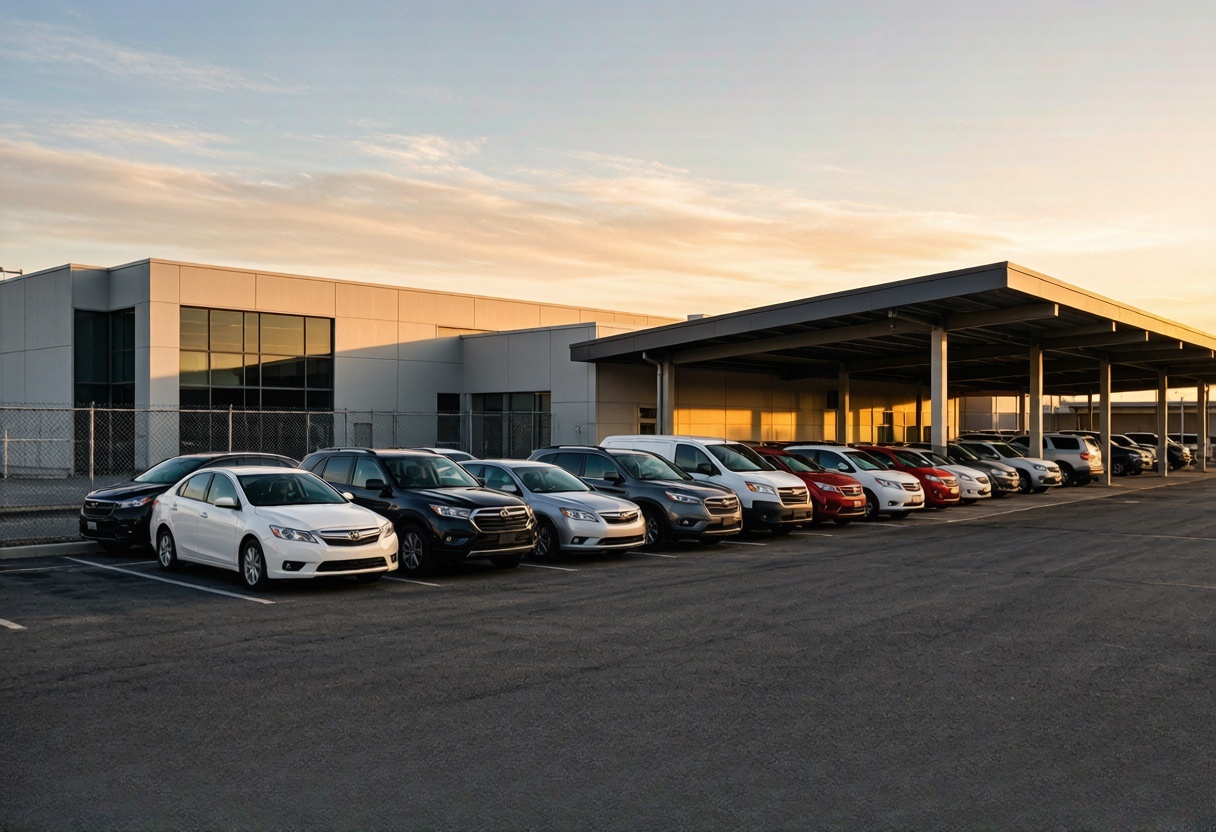 02
02Keep a clearer handover-to-return record and investigate late returns, unusual movement, mileage and fuel questions.
See the problems and answers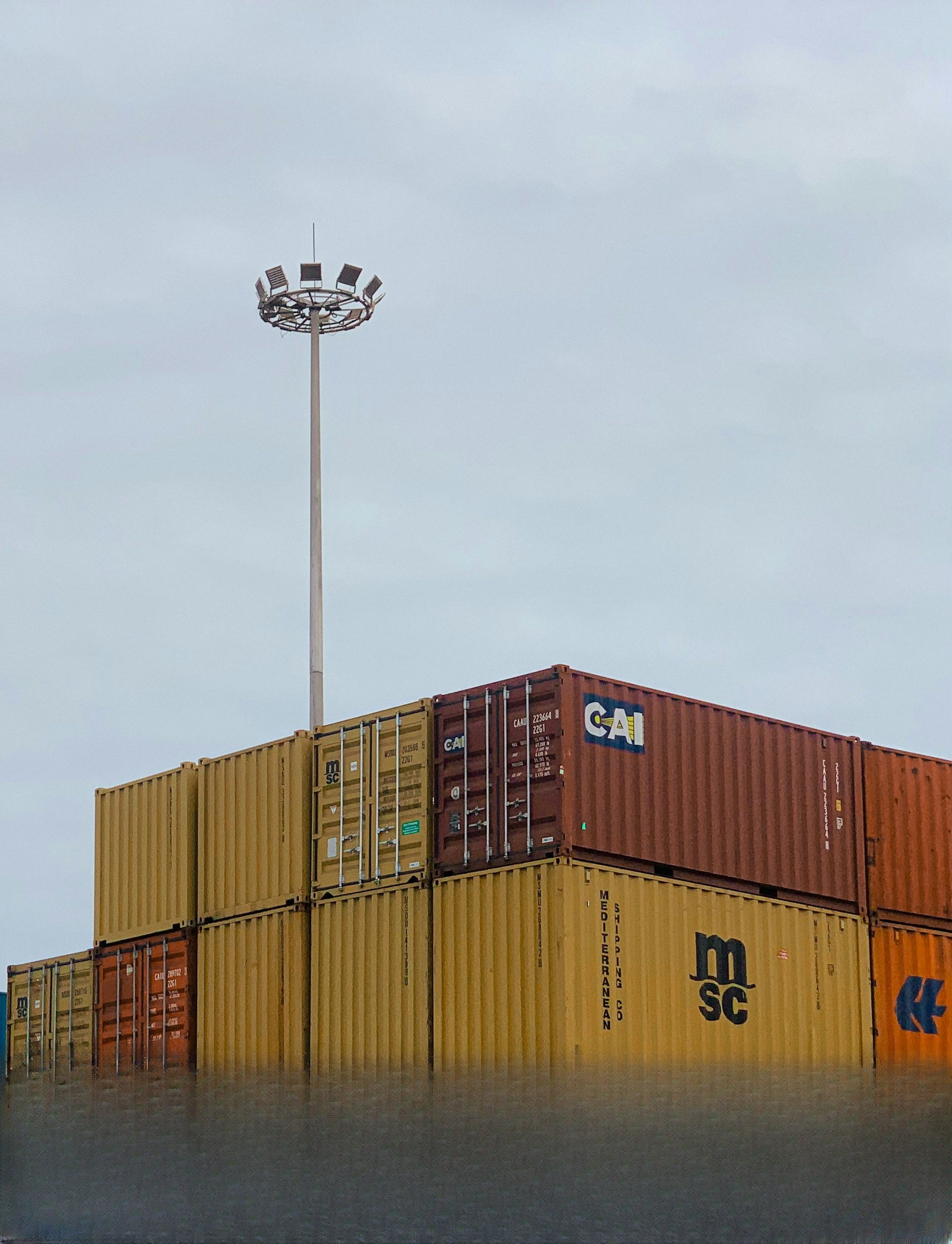 03
03Find trailers, containers and mobile equipment that may sit unattended without a driver or power connection.
See the problems and answers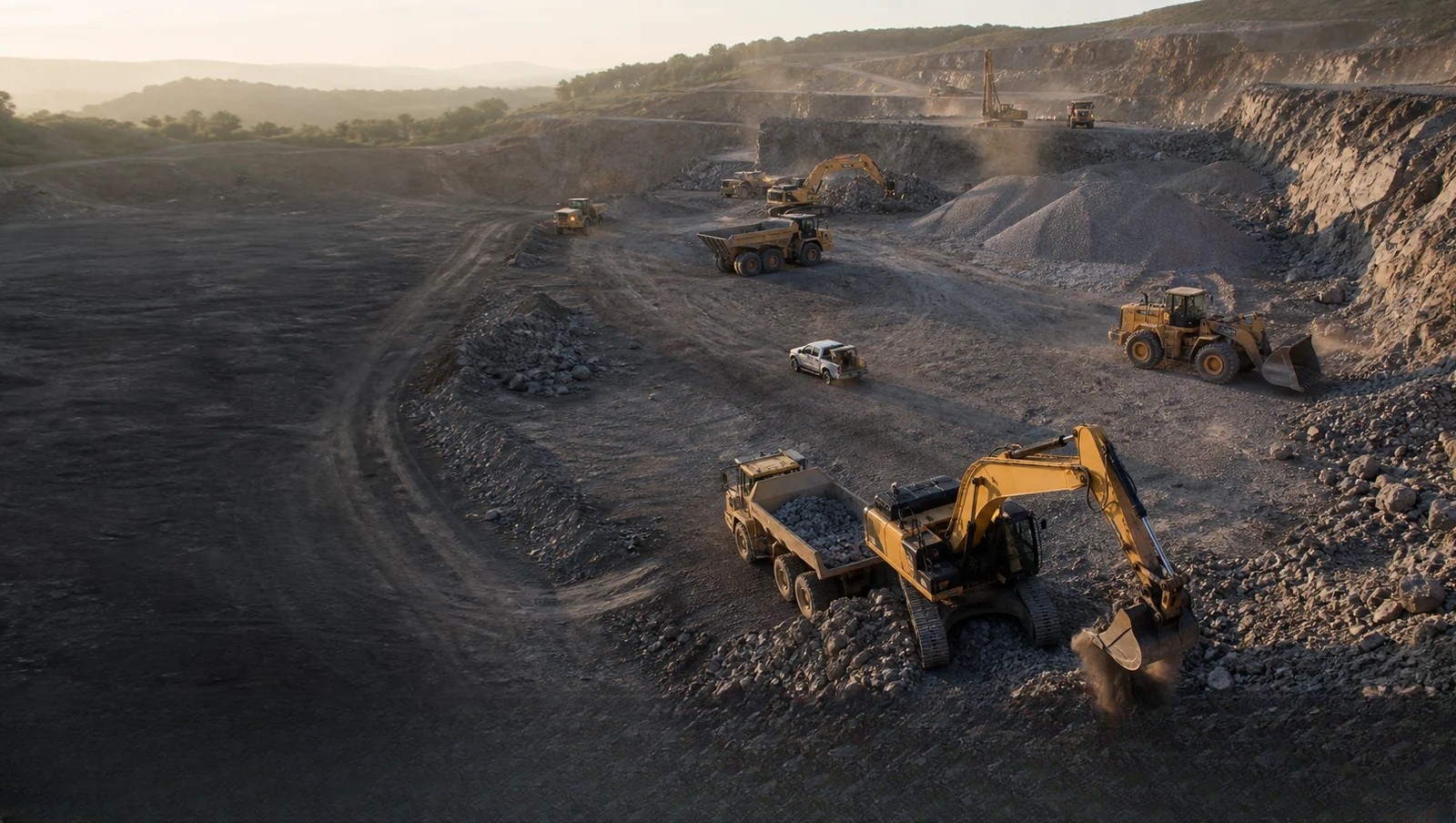 04
04Know where machines are, how long they worked and when service or unusual movement needs attention.
See the problems and answers 05
05Review rental boundaries, late returns and unexpected movement around marinas and remote outdoor work.
See the problems and answers 06
06Track compact electric vehicles and warehouse equipment while protecting the vehicle battery and fitting limited space.
See the problems and answers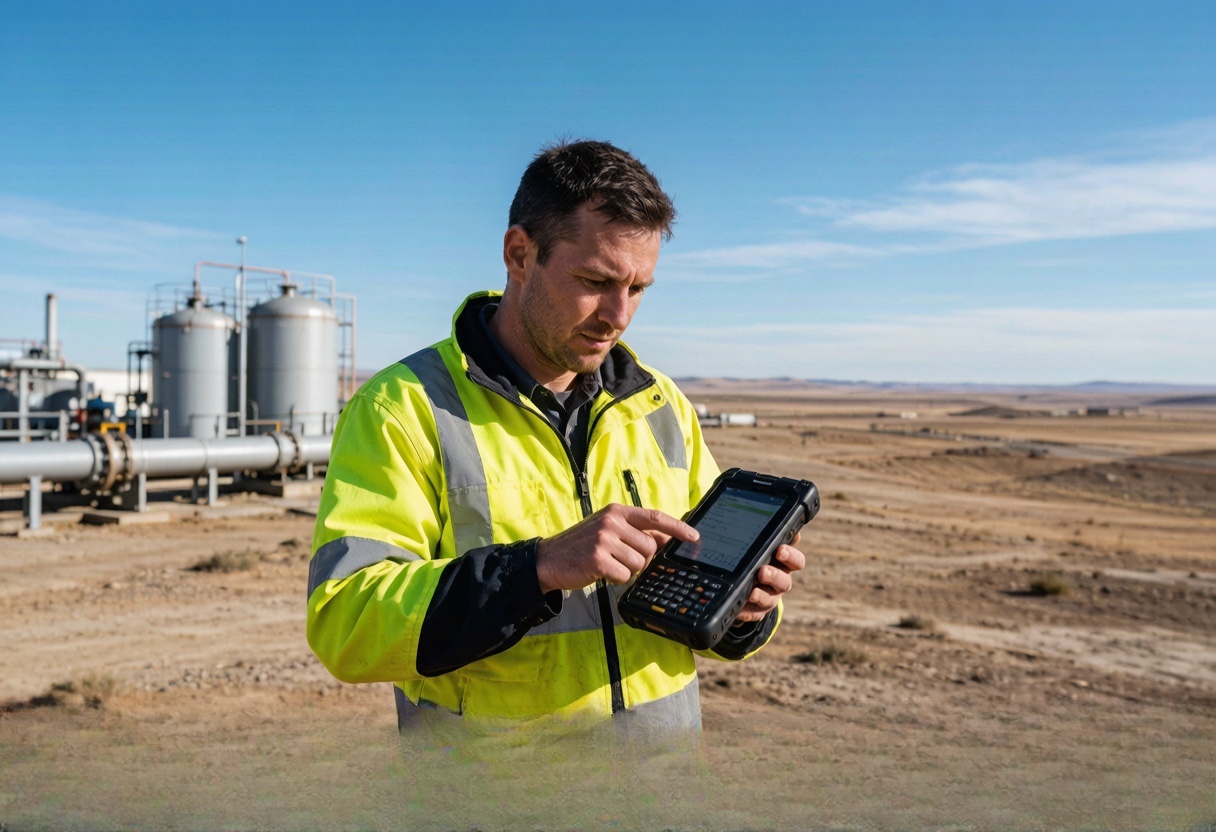 07
07Give field teams a practical way to share visit or emergency location when the job and local policy require it.
See the problems and answers 08
08Help dispatch find the nearest suitable vehicle and understand selected readiness or response events sooner.
See the problems and answersFor video, AI camera or event projects, start with the event the team must review: incident evidence, driver behaviour, blind spots or a site trigger. Then define camera count, storage, bandwidth, privacy, alert ownership and the receiving system. Possible hardware and suppliers are matched per brief; no algorithm result, cloud platform, compatibility or test success is implied.
Define the trigger, timestamp and clip before selecting cameras, a recorder and local storage. A media service may store the clip while your fleet system receives an event and a permitted media link. Confirm the exact firmware, receiver and access route; telemetry alone does not deliver video.
LEXUNYU coordinates hardware options and supplier information. The customer names the reviewer and privacy owner; the installer confirms placement and power. Agree SIM data, media storage, licences, integration and platform charges with their respective providers.
Use an authorised test clip to check trigger timing, upload after a connection gap, playback, export and access expiry. The customer and platform owner approve the acceptance thresholds and retention rules before testing.
Share the receiving platform and the event your team needs to review. We check the connection path before suggesting a configuration; there is no mandatory LEXUNYU platform subscription.
Outline the video handoff →We help fleet and equipment operators define a practical telematics hardware path, then compare documented options before any sample request. The next check can be a device-to-server test, an API/file exchange or a data migration review, depending on your existing system.