Mixed Fleet Telematics (Vehicles + Machines)
Compare each asset’s power and data route, then use the blank field map to confirm what the receiving system can accept.
Looking for the full guide? Vehicle tracking systems covers the device, connectivity and platform layers, and routes you to the right page for each asset type in a mixed fleet.
A route from each asset to the receiving system
Mixed operations often run vans, trucks and plant machinery together. A common view requires each selected device, protocol and data field to be supported by the receiving platform.
Step 1: record the asset and its power source
Group road vehicles such as vans and trucks, powered outdoor equipment, machines requiring machine fields, and assets with no fixed supply. Their reporting methods and service conditions differ.
Step 2: define the data needed for each group
Separate location and movement from engine hours, fuel, temperature or work states. Mark each item as required, optional or still unknown, and identify its source before hardware selection.
Hardware that fits mixed assets
- Powered road vehicles: compare C003F when its options match the vehicle setup → confirm the wired supply → list required vehicle signals → have the receiving platform provider confirm fields and protocol.
- Machines needing machine fields: consider A300 when the exact configuration exposes the required interfaces and fields → confirm machine power → list each required signal → verify availability and acceptance with the customer’s receiving platform.
- Outdoor powered assets: consider A700 for its wired 9–90 V location, movement and power-event route → verify supply and installation → define the needed location/events → confirm corresponding received fields.
- Assets without fixed power: consider GT76 subject to its documented battery profile → confirm mounting and reporting needs → identify periodic location/movement records → verify what the selected receiving system can accept.
Map the data fields before comparing
Step 3: the customer and receiving-platform provider confirm the mapping for the selected device. The blank rows below are for project use; no completed integration is represented here.
| Source field | Unit | Reporting interval | Receiving field | Owner / status |
|---|---|---|---|---|
Confirm documents for the exact market
Before selection, match the exact model and variant to the destination-market documents, interface records and receiving-platform requirements. Any missing evidence stays open for confirmation.
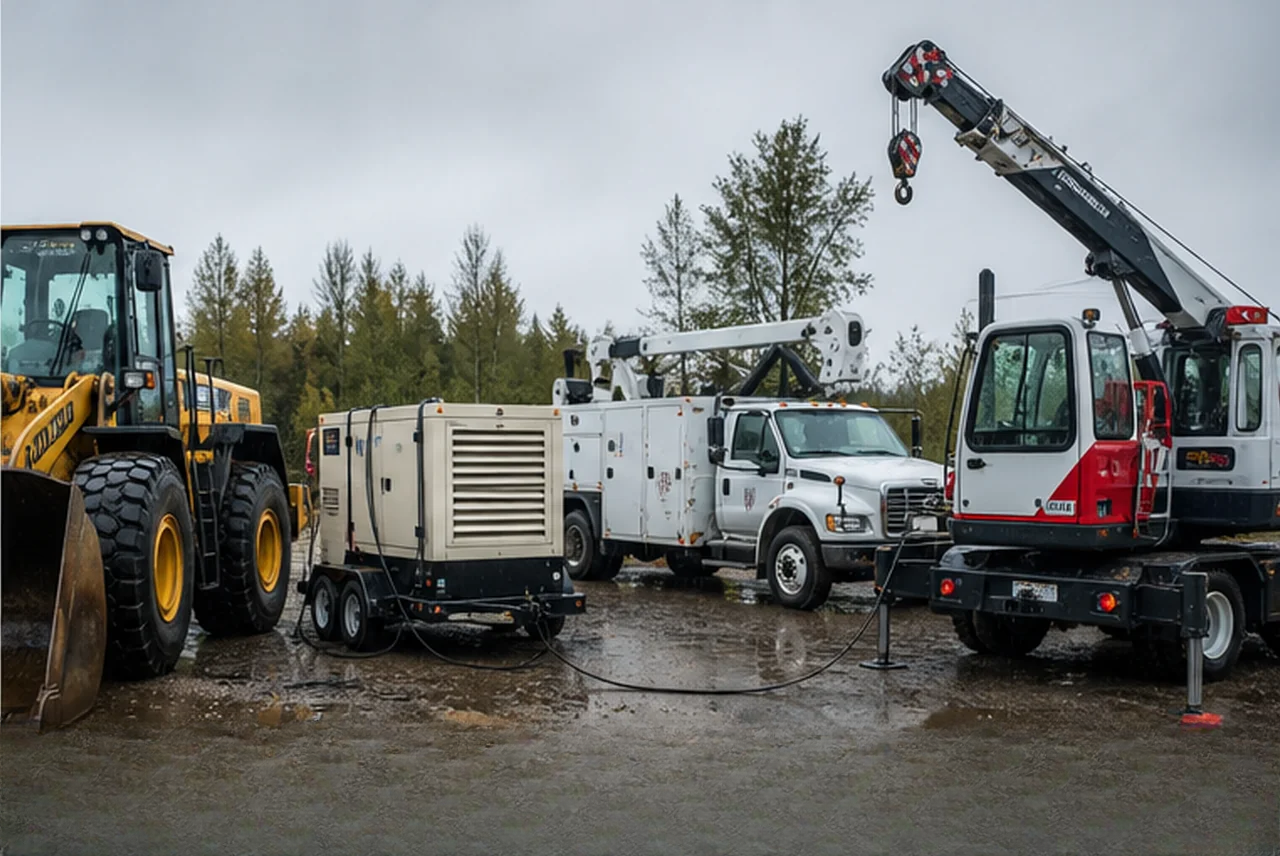
Start with the operation, then verify the hardware path.
We support fleet and equipment operators as well as telematics providers, integrators, installers and distributors. The work is to define requirements, compare available evidence, coordinate samples and check the data path before a wider decision.
Define the working requirement
Document the vehicles, equipment or assets, installation conditions, required signals and receiving platform before comparing models.
Compare evidence and samples
Review supplier documents, available interfaces and sample output. Anything not supplied remains an open item rather than an assumed capability.
Coordinate the data path
Confirm the protocol, fields, accessories, server settings and installation details required by the selected project.
Tell us the operation and the open questions.
We will reply with the checks still needed and an initial hardware direction.
Discuss your requirement