GPS Tracking for Company Vehicles Without a Monthly Platform Subscription
For a fleet of a few dozen cars or vans, the choice is not limited to a consumer tracker or another bundled monthly platform. You can buy business-grade hardware, connect it to a platform you choose, and keep the device decision separate from the software contract.
Discuss company vehicle hardwareStart with the decision
Key decisions for this application
Business purpose
Define what company vehicles need to record before selecting a device or platform.
Compliance and privacy
Treat employee use, private journeys, access and retention as design inputs, not afterthoughts.
Ownership model
Separate device ownership from connectivity, hosting and the platform contract.
Vehicle classes
Match company cars, service LCVs and pool vehicles to the installation and reporting rules they actually need.
Sample validation
Confirm the data path and operating policy on representative vehicles before a wider rollout.
Searching for GPS tracking for company vehicles usually leads to a monthly software package. That can be the right answer when you want one supplier to provide the device, SIM, platform, support and reporting. It is not the only workable model.
The gap sits between a consumer “no fee” gadget and a fully bundled fleet subscription. A company that already has a telematics platform, works with an installer or integrator, or wants control over its hardware can purchase the devices separately and confirm the reporting path before rollout. LEXUNYU supports that hardware-matching and validation work; we do not own a tracking platform and we do not manufacture the devices.
“No monthly subscription” needs one honest qualification: removing a bundled platform fee does not make cellular data, SIM service, hosting, support or internal administration free. It means the hardware is not automatically tied to one monthly platform contract.
GPS tracking for company vehicles
Begin with the operating decision, not a device model. Decide what the business needs to record, which vehicles are included, who may view the information and what happens during private use. A sales car taken home by one employee, a service LCV carrying tools and a shared pool vehicle do not create the same tracking question.
Settle the UK and European compliance questions first
For UK and European company cars and LCVs, treat compliance as a design input. Vehicle location may relate to an identifiable employee, especially when a vehicle is assigned, taken home or used outside working hours. Obligations vary by country and use case. These are planning questions, not legal advice; obtain advice for the jurisdictions in scope.
| Decision | Question to settle before fitting | Hardware or system consequence |
|---|---|---|
| Tell drivers | What will be recorded, why is it needed, and when does tracking operate? | The rollout and written policy must match the actual device and platform settings. |
| Limit the purpose | Is the purpose dispatch, mileage, duty of care, security, proof of attendance, or a defined combination? | Do not collect extra events merely because the hardware can produce them. |
| Control access | Who can see live location, who can review history, and who authorises an exception? | Confirm that the chosen platform can support the required access arrangement. |
| Set retention | How long is trip or location history needed for the stated purpose? | Check that retention can be configured rather than assuming records disappear automatically. |
| Handle private use | What happens when an employee takes an LCV or company car home or uses it privately? | Confirm the policy and any business/private distinction before selecting hardware or software. |
Discuss company vehicle hardware
A technical feature cannot repair an unclear policy. Decide whether home-to-work journeys, evenings or weekends are in scope, document the permitted use, and seek appropriate advice before fitting.
What “without a monthly subscription” actually means
There are three common buying models. Compare who controls each layer—device, connectivity and platform—rather than comparing only the headline price.
| Model | You receive | Best fit | Watch for |
|---|---|---|---|
| Bundled monthly service | Hardware, connectivity and a hosted fleet platform under one commercial arrangement. | A business that wants one accountable service and minimal integration work. | Contract term, device ownership, data export and what happens if you change platforms. |
| Purchased hardware + chosen platform | Devices bought separately and configured to report to a compatible platform selected by you. | A fleet, installer or integrator that already has a platform relationship or wants hardware choice. | Protocol support, server settings, SIM responsibility, technical support and firmware control. |
| Consumer “no fee” tracker | A retail device with its own app or limited service model. | Potentially a single personal asset where business administration is not required. | Fleet permissions, data ownership, multi-vehicle administration, service continuity and commercial support. |
The second model is the route covered here. Before ordering, confirm where each device sends data, who supplies the SIM, who changes server details and how a sample will be checked against the target platform.
When buying the hardware separately makes sense
Separate hardware ownership is worth investigating when you already use a platform, have an integration partner or want to avoid changing every tracker when a software contract changes. For twenty, thirty or fifty LCVs, the priority is avoiding a mismatch across the batch. One reporting destination can still receive data from different suitable device classes, provided each path is confirmed before purchase.
The honest counterpoint: if nobody in your business can own the SIMs, platform configuration, device commissioning and support path, a bundled monthly service is probably the better purchase. Hardware freedom is valuable only when someone can operate it.
LCVs, company cars and pool vehicles need different rules
| Vehicle role | Typical decision | What to confirm |
|---|---|---|
| Assigned company car | Separate business need from private use and decide when location should be visible. | Installation permission, policy, reporting schedule and platform handling of private use. |
| Service LCV or van | Balance job visibility, vehicle security and the fact that tools or stock may be carried. | Power, installation access, out-of-hours rules and whether any door or driver event is genuinely needed. |
| Pool vehicle | Link a trip to an authorised driver without collecting more data than the purpose requires. | Driver identification method, handover process and who may review history. |
| Mixed car and LCV fleet | Keep one reporting destination while allowing more than one appropriate device class. | Voltage, network bands, protocol compatibility and consistent configuration across the batch. |
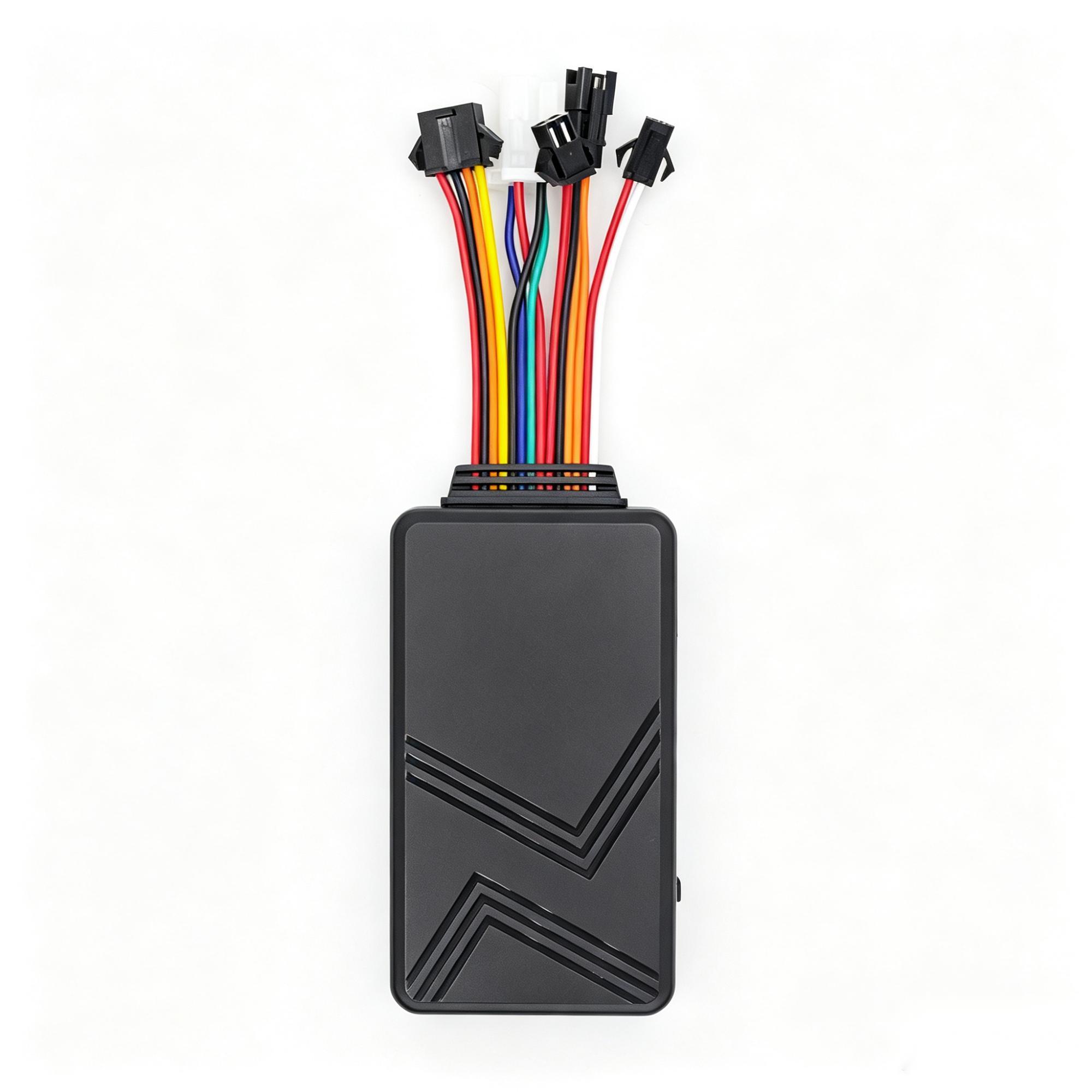
C003F
An expandable fleet terminal when fuel, temperature, camera or driver identification are needed.
Explore C003F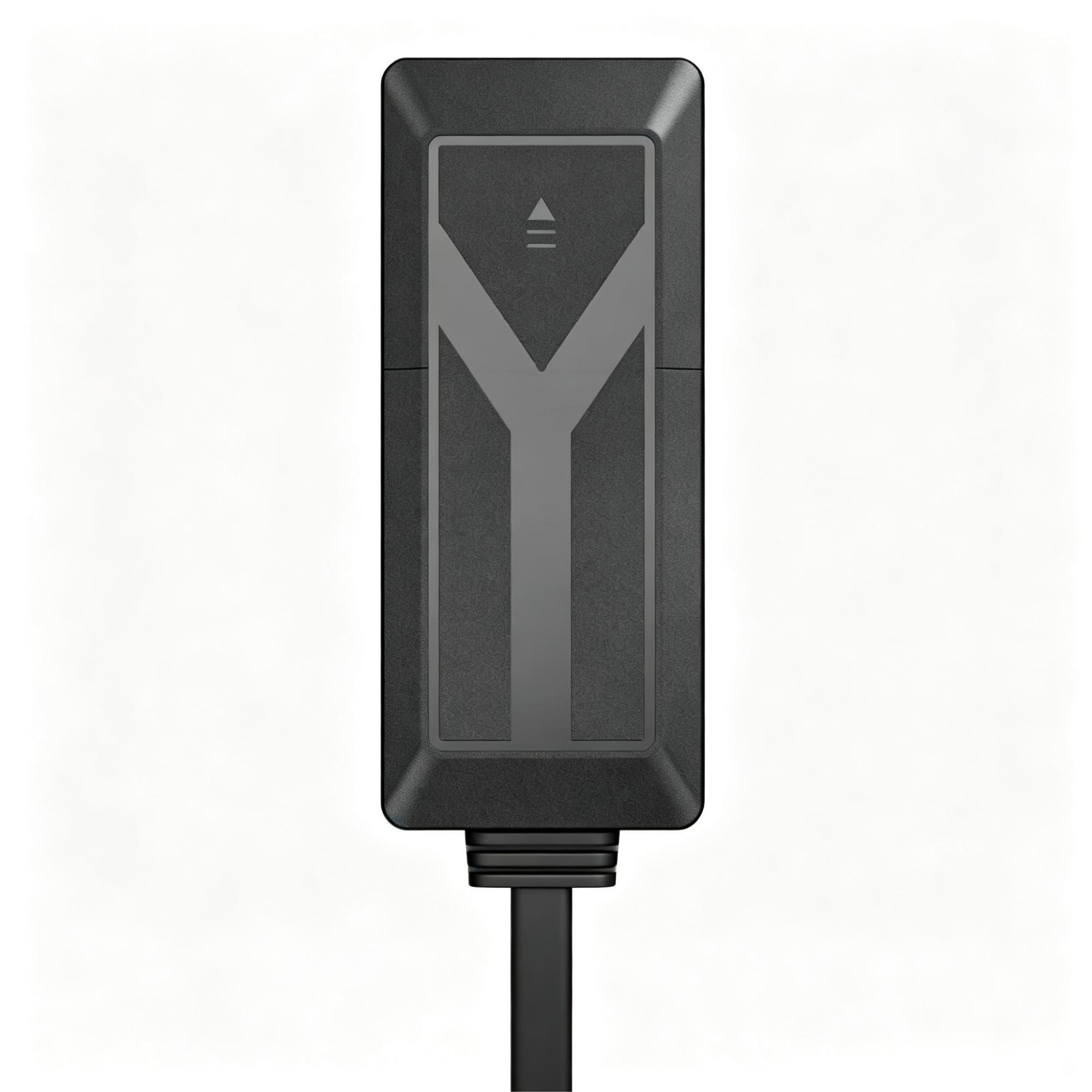
A7C
A general vehicle tracker for company and logistics fleets.
Explore A7C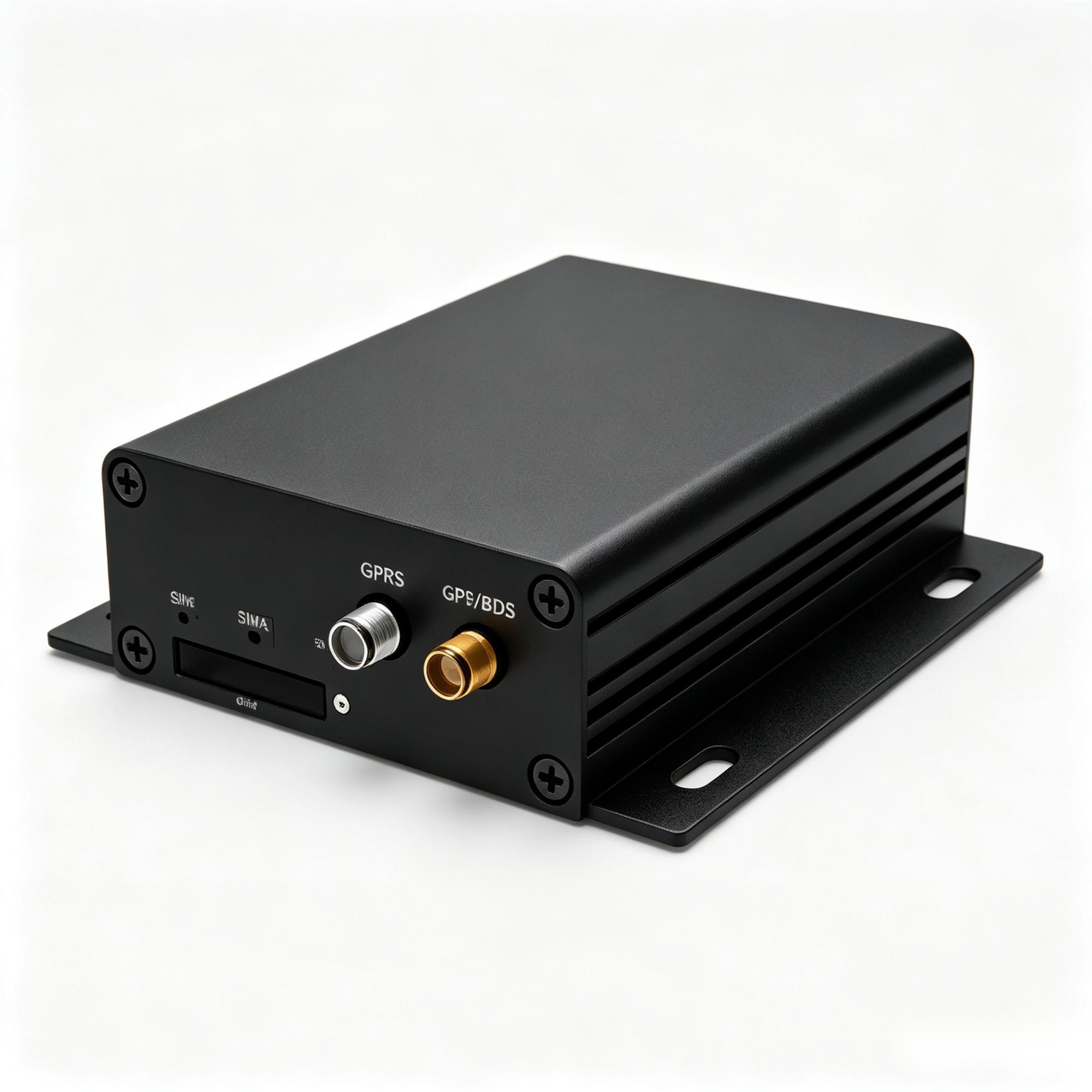
A300
An industrial gateway when the asset exposes vehicle data or a reachable interface.
Explore A300How to specify a rollout for a few dozen vehicles
- Write the purpose in one sentence. If dispatch, security and mileage are all included, define which team uses each output.
- List the vehicle roles. Record car, LCV, pool or specialist use, plus leased versus owned and assigned versus shared.
- Choose the platform model. Name the intended platform and decide whether you are avoiding only its bundled fee or managing the data stack yourself.
- Confirm the device-to-platform path. Protocol availability, server configuration and any required integration work must be checked per model.
- Review installation constraints. Vehicle voltage, wiring access, lease conditions and removal risk determine the practical device class.
- Test before the fleet order. Check the intended configuration with a sample or small validation batch. A data sheet is not proof that your platform workflow is ready.
LEXUNYU can compare suitable hardware, coordinate samples, confirm manufacturer documents by model, and help check protocol and platform requirements. Custom orders start from 100 units; samples and small validation batches are handled separately.
Prepare this before asking for a hardware match
Send the vehicle count and types, country, leased or owned status, private-use policy, installation preference, target platform and required events. The tracker selection check and field confirmation sheet help organise those answers without committing to a supplier.
Related company-vehicle guides: compare small business fleet tracking, delivery vehicle tracking, logistics fleet tracking, and the wider vehicle tracking system layers.
Discuss company vehicle hardware
Frequently asked questions
Choosing the hardware
Can company vehicle tracking work without a monthly platform subscription?
Yes, when compatible hardware is purchased separately and configured for a platform you choose. Cellular connectivity, SIM service, hosting or support may still have recurring costs, so “no subscription” should mean no mandatory bundled platform contract rather than no ongoing cost of any kind.
Is it illegal to put a tracker on a company vehicle?
The answer depends on the jurisdiction, purpose, employee relationship and how the vehicle is used. For UK and European fleets, define the purpose, tell affected drivers, limit access and retention, and address private use before fitting. This is not legal advice; obtain advice for the countries in scope.
What if an employee takes a company car or LCV home?
Decide in writing whether evenings, weekends and private journeys are in scope. Confirm that the selected platform and device arrangement can follow the agreed policy rather than assuming a private-use control exists.
Is hardware ownership better than a bundled fleet service?
It is better when you value platform choice and have someone who can manage connectivity, configuration and support. If you want one provider to operate every layer, a bundled monthly service may be the more practical option.
Can one platform receive data from company cars and LCVs?
Potentially, if each selected model has a confirmed reporting path to that platform. Protocol and configuration support must be checked per model before the batch is ordered.
Do leased vehicles allow tracker installation?
Lease terms vary. Confirm whether permanent wiring is allowed and whether the device must be removable before choosing the installation method.
Ordering and support
How do we identify drivers in a pool vehicle?
Define the operational need first, then confirm a supported identification method with the device and platform. Do not assume an accessory or workflow is compatible without a model-level check.
What information should we send for a hardware shortlist?
Vehicle count and type, operating country, voltage, leased or owned status, installation preference, target platform, reporting needs and any driver or sensor inputs.
What is LEXUNYU’s minimum order quantity?
Custom orders start from 100 units. Samples and small validation batches are handled separately so the intended device-to-platform path can be checked before a production order.
Does LEXUNYU manufacture or provide the tracking platform?
No. LEXUNYU is an independent Shenzhen hardware sourcing and validation partner, not a manufacturer or SaaS platform owner. We compare hardware and coordinate the supplier, sample, protocol and platform checks required by the project.