Delivery Vehicle Tracking Systems: What a Multi-Drop Fleet Actually Needs
A long-haul truck may make fewer stops than a multi-drop delivery van. The route's stop pattern changes hardware decisions, so validate the intended route before standardising a system.
Match delivery fleet hardwareStart with the decision
Key decisions for this application
Route and stops
Start with the stop record the operation will actually use, not the live map it may rarely open.
Power and installation
Compare OBD and hardwire against lease terms, vehicle access and the install that can be repeated across the fleet.
Urban coverage
Test dense streets, basements and the intended reporting profile before committing to a data plan.
Events and proof
Separate what the tracker can prove from what must come from a driver app, door sensor or platform.
Route validation
Run a real multi-drop route and compare the device record with the driver's actual drop list.
This page is specifically about Delivery Vehicle Tracking Systems. If you are still deciding what to buy, start with the main guide for this topic: GPS Tracking for Company Vehicles and LCVs: What to Settle Before Rollout.
This page is about delivery and multi-drop work specifically. For the general truck and van hardware guide — including the long-haul comparison, compliance by market and commercial terms — see GPS trackers for trucks.
Stop detection matters more than live position
Choose the view around the daily decision. Dispatch may need a live map, while a customer query may need a stop list showing where the van stopped, at what time and for how long. Confirm which records the team will use before selecting the device.
A periodic position report does not establish every delivery stop. Test stop detection on the intended route and check these failure modes:
- Traffic lights counted as stops. A unit that calls any pause a stop produces a list nobody can read.
- Two adjacent drops merged into one. Common in terraced streets and apartment blocks where the van moves twenty metres.
- Stop start-times that drift. If the timestamp is generated on the server rather than the device, congestion in the network becomes error in your record.
- Engine state mistaken for a stop. A van may remain running during a delivery. Check the actual driving and refrigeration workflow before using ignition as a stop marker.
Ask any supplier how a stop is defined on their device: by speed threshold, by ignition, by accelerometer, or by a combination — and what the minimum stop duration is. A vague answer here predicts an unusable stop report.
The test that settles it: run one real route for one day, then compare the device's stop list against the driver's actual drop list. Count the misses and the false stops. Everything else about the product is secondary to that number.
OBD plug-in or hardwired: the decision that keeps coming back
Some vans provide a suitable accessible OBD-II port, while others do not; voltage, access, permissions and installation time must be checked on the exact vehicle. OBD plug-ins are discussed here as a general category and are not part of LEXUNYU's current nine-model catalogue.
| OBD plug-in | Hardwired | |
|---|---|---|
| Install | Check port access, installation permission and setup time on the intended van. | Have a qualified installer estimate access, wiring, testing and return-to-service time for that vehicle. |
| Best for | Leased vans you must return unmodified, short-term hires, rapid pilots. | Owned fleets, anything long-term, anything where the unit must not be found. |
| Weakness | Check visibility, accidental disconnection, driver clearance and whether the port location needs an approved extension or protection. | Agree a repeatable wiring, mounting and commissioning method, then measure the installation cost. |
| Data | Whatever that vehicle exposes on OBD — varies by make, model and year more than anyone expects. | Ignition, plus whatever you wire in: door sensors, temperature, driver ID. |
| Honest verdict | Consider for a pilot or a leased fleet, then test disconnection risk and the response to missing records. | Consider for an owned fleet when installation access, serviceability and the operating period justify it. |
Fleets that start on OBD for speed and migrate to hardwired at renewal are making a reasonable decision, as long as they budget for doing the work twice.
What a proof-of-delivery record has to contain
If tracking is going to settle "we never got it" disputes, the record needs more than a dot near an address. In practice, three things:
- Arrival and departure time at the drop, generated on the device, not the server.
- How long the vehicle was stationary there — a 40-second stop and a 6-minute stop tell different stories about whether a delivery happened.
- A door event, if the dispute is about the goods. Position alone cannot show that the van was opened. A door sensor can, and on high-value routes it is worth the extra wire.
Everything beyond that — signatures, photos, barcode scans — comes from the driver app, not the tracker. Be clear which system you expect to own which part of the record before you buy either.
Urban coverage, and why cities are harder than motorways
A long-haul route runs through open country with clear sky and reliable coverage. A delivery route runs through the two places satellite positioning is worst: dense city centres and underground car parks.
- Urban canyon error. Signals bounce off buildings, and a position can land on the wrong side of the street — which matters when the drop list is generated from it. Units combining GNSS with accelerometer-based dead reckoning may perform better on the intended route, which must be tested.
- Multi-storey and basement loading bays. A basement or multi-storey location may interrupt GNSS fixes, cellular upload, or both. Store-and-forward can upload records the device successfully captured while cellular service was unavailable; it cannot reconstruct positions that were never fixed.
- Reporting frequency versus data cost. A high stop count at a short interval is a lot of records. Ask what the monthly data volume actually is per vehicle at your intended profile, before signing an airtime contract.
Alerts that survive contact with a delivery route
A dense stop pattern can generate many alerts and records. Configure the delivery workflow explicitly and review which events the team needs to act on.
| Alert | Set naively | Set usefully |
|---|---|---|
| Idling | Fires at every drop, all day. | Set thresholds around the intended delivery dwell time and treat verified refrigeration operation separately. |
| Geofence | One fence per customer, hundreds of events. | Fences on depots and on genuine exceptions only. The drop list already tells you the rest. |
| Harsh driving | Every speed bump on an urban route. | Validate thresholds on representative routes and vehicle types before using alerts operationally. |
| After-hours movement | Fires whenever a shift overruns. | Set permitted operating windows and a named response owner; validate delivery of unexpected-movement alerts. |
Review alert volume, false positives and response capacity during the pilot. Adjust thresholds with the operations team so that each enabled alert has a clear purpose and owner.
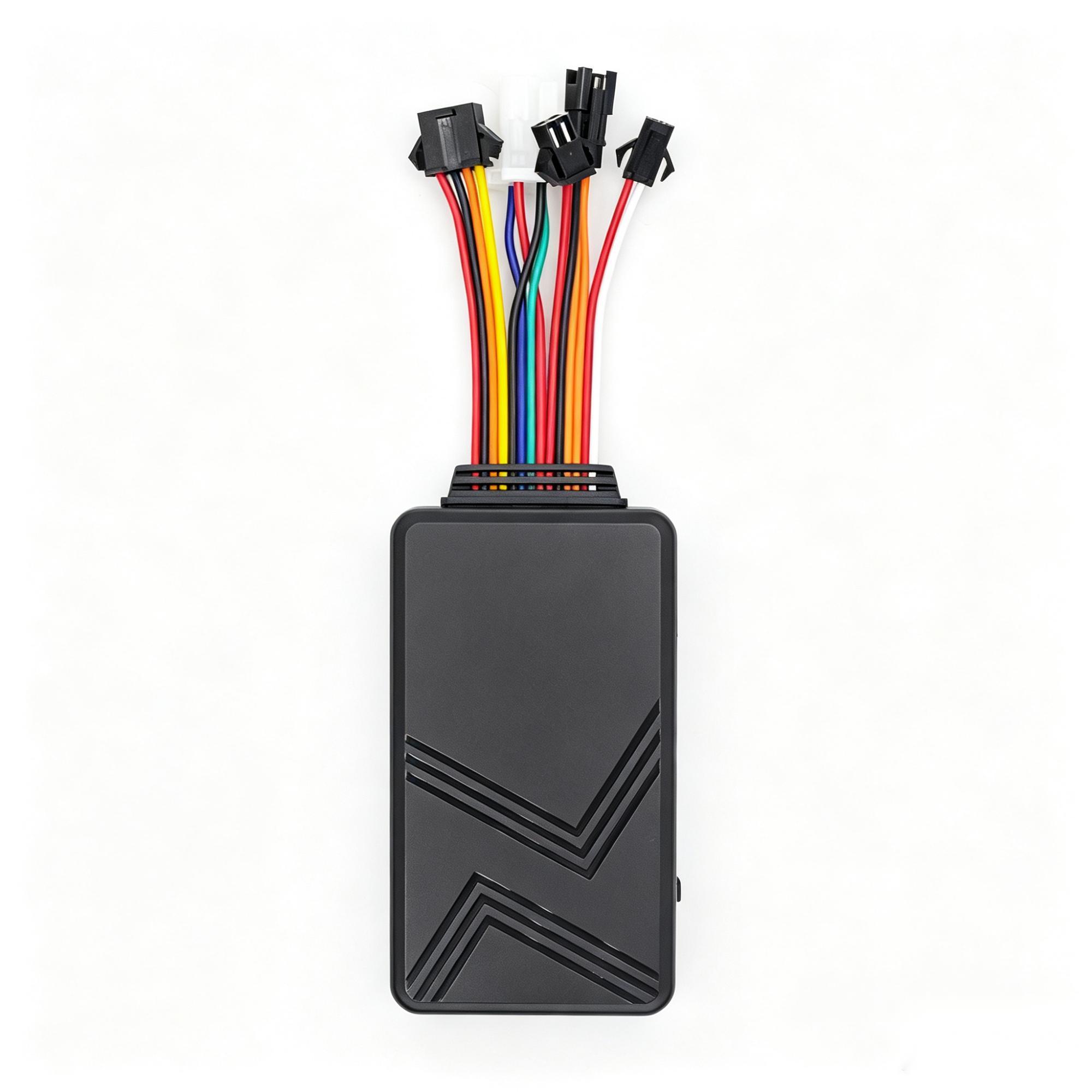
C003F
An expandable fleet terminal when fuel, temperature, camera or driver identification are needed.
Explore C003F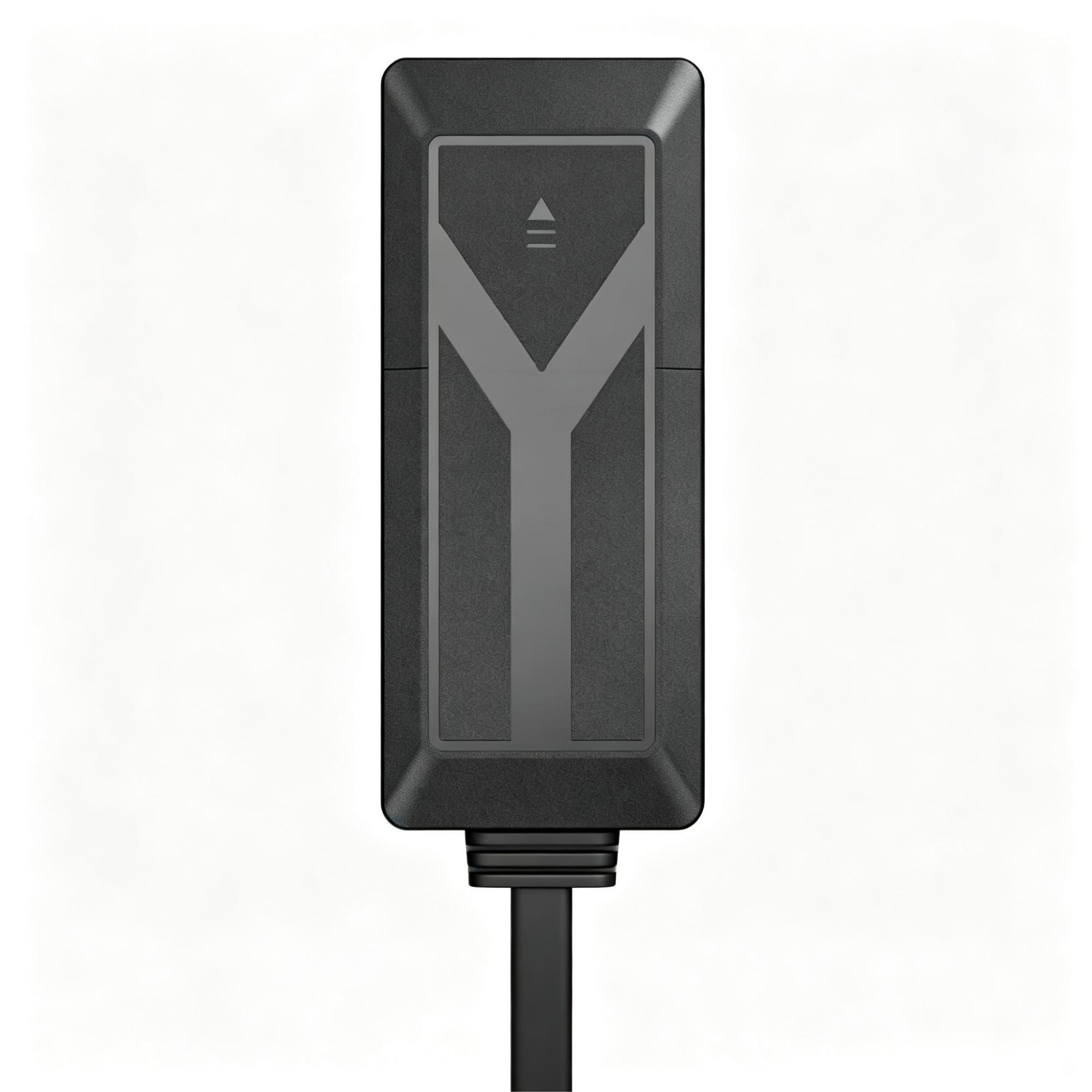
A7C
A general vehicle tracker for delivery and company fleets.
Explore A7C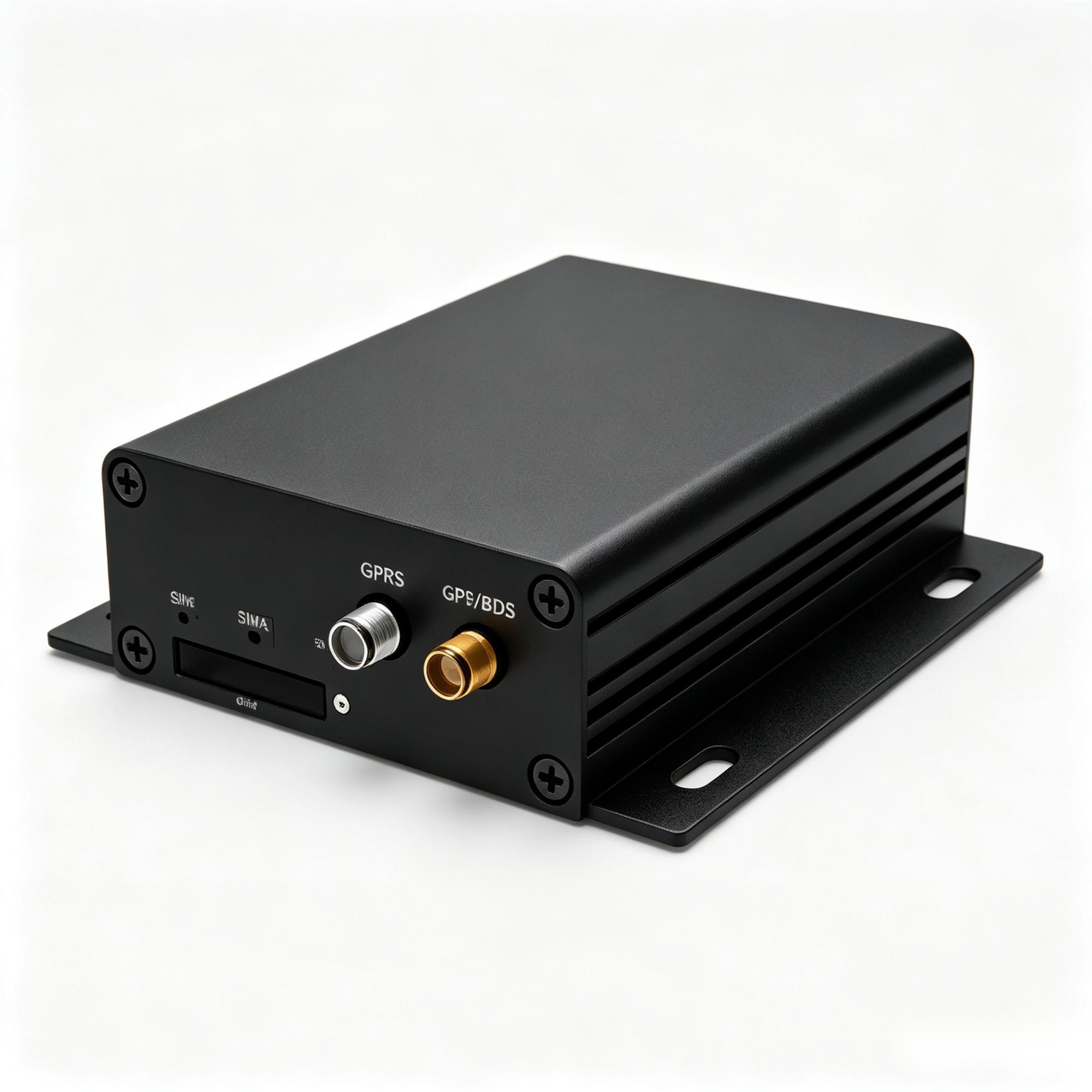
A300
An industrial gateway when vehicle or equipment data needs a reachable interface.
Explore A300What to test before ordering
- One route, one day, stop list versus driver's drop list. The single most informative test in this application.
- A basement or multi-storey on that route, to test GNSS acquisition and delayed upload separately.
- The OBD port on your actual van models if you are going that way — what is exposed varies by make, model and year, and a demo on one van proves nothing about another.
- Measure the data volume for one vehicle over a week at the reporting profile you intend to run.
- Then order a small batch, not the fleet. A representative small batch fitted by the person who will fit the rest, so the install time you plan around is the real one.
Temperature-controlled delivery adds a whole separate set of requirements on top of these — see cold chain vehicle tracking. For company cars and light commercial vehicles that are not doing multi-drop work, GPS tracking for company vehicles is the closer fit.
Frequently asked questions
Choosing the hardware
What is a delivery vehicle tracking system?
A system built around the stop record rather than the live map: where the vehicle stopped, when it arrived, how long it stayed, and whether the vehicle was opened. Live position is a supporting feature; on multi-drop work the stop list is what gets used daily.
Is an OBD plug-in good enough for a delivery fleet?
An OBD unit can be a candidate for a pilot or a leased fleet where installation is permitted. Check port access, driver clearance, disconnection risk and recovery of missing records. Compare hardwiring when the operating period and installation access justify it. LEXUNYU does not currently list an OBD plug-in model; this is a category comparison. If that route is required, the exact device and vehicle limits must be sourced and verified before it is offered.
How accurate is stop detection?
It varies far more between products than the datasheets suggest, and it is the thing worth testing. Compare one day of the device's stop list against the driver's actual drop list and count the misses and false stops.
Will the record survive an underground loading bay?
The live view may be interrupted in a basement or multi-storey location. A unit may upload positions it successfully acquired and buffered during a cellular-only gap after service returns; positions it could not acquire because GNSS was blocked remain gaps.
Can tracking prove a delivery was made?
It can prove the vehicle was there, for how long, and — with a door sensor — that it was opened. Signatures, photos and scans come from a driver app, not from the tracker. Decide which system owns which part of the record before buying either.
Ordering and support
How do we stop alerts becoming noise?
Set thresholds for the intended route rather than borrowing settings from a very different stop pattern. Idling and geofence alerts configured on haulage defaults should be reviewed on a representative route and adjusted against the team's response capacity.
How much mobile data does each vehicle use?
Enough that it is worth measuring rather than assuming — the intended stop pattern and reporting interval can generate a lot of records. Run one vehicle for a week at your intended profile before signing an airtime contract.
What is the minimum order quantity?
Customisation typically starts from 100 units. Samples and small pilot quantities are handled separately, so the one-route test above can be done first.
What warranty applies?
A 12-month limited warranty from the shipment date shown on the commercial invoice. DOA reported within 30 days of delivery is handled under the warranty terms.
Can the data go into the platform we already use?
Where the model supports it, yes — confirmed per model before you commit rather than promised in general.
A delivery route needs a useful record of arrivals as well as journeys. Choose the tracking profile around the records your team will use.