Professional Hard-Wired HGV Tachograph Integration: An Installation Scope Checklist
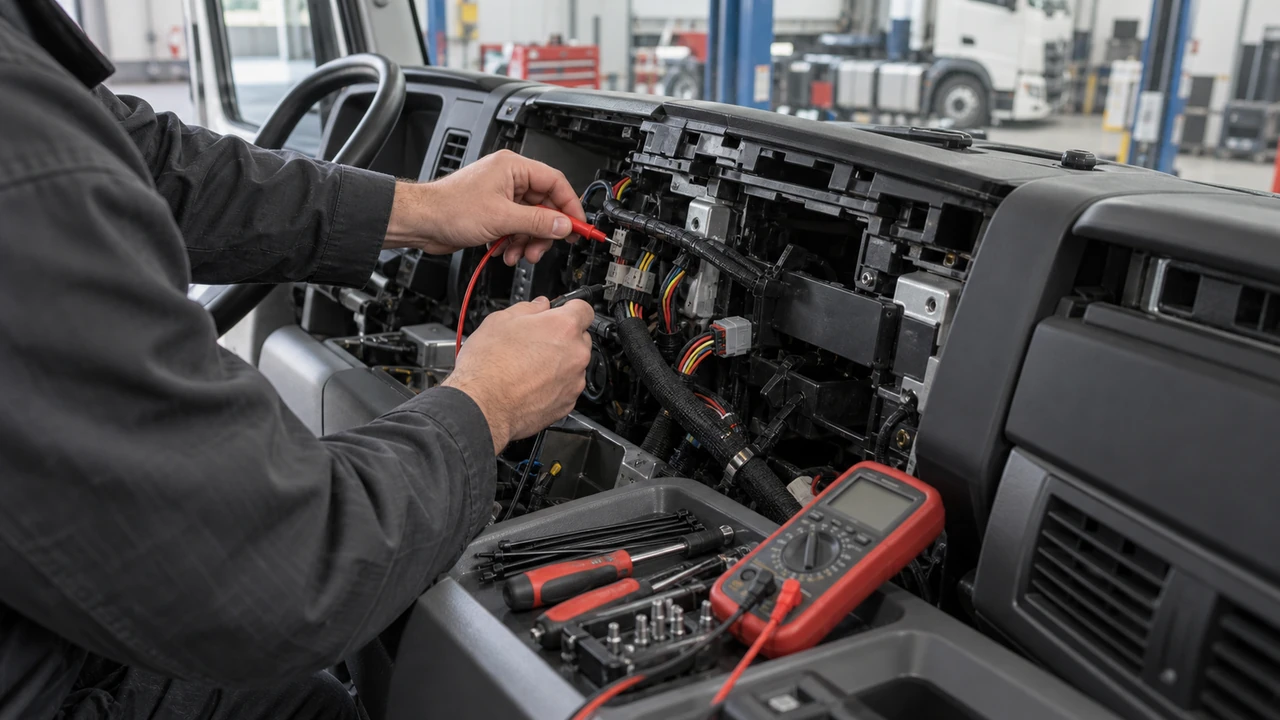
A hard-wired terminal is a physical work package, not a complete remote DDD result. Before a vehicle is opened, define access, power, ground, ignition, interface, harness ownership, commissioning evidence and restoration responsibility.
On this page
- Installation scope must name the vehicle access point, electrical assumptions, supported physical interface, harness and routing responsibility before work starts.
- Commissioning is evidence of one defined configuration. It is not proof of every tachograph generation, vehicle field, company-card authentication path or legal outcome.
- Unknowns remain visible. A missing model, route, destination or restoration owner is a stop condition for that scope.
Why hard-wired installation is a scope decision
Hard-wired installation changes the project boundary: someone must open the vehicle, find an approved access point, protect and route a harness, configure a terminal and restore the agreed state. It does not itself prove remote tachograph DDD compatibility, successful company-card authentication, signed-file retrieval, vehicle CAN/fuel/AdBlue availability, legal compliance or LEXUNYU product capability.
The official FMS Standard Remote Download User Guide v3.01 describes an on-board unit, vehicle unit and back-office process for remote company-card authentication and data downloading. It also describes signed data so authenticity and integrity can be checked. These are boundaries to verify, not a generic terminal capability claim.
This buyer checklist is not legal advice. It separates source-backed facts, project inputs, working judgments and unknown items.
Confirm vehicle and tachograph access
Start with the exact vehicle slice, not “all HGVs”. Record its identifier or controlled alias, tachograph brand, model and generation, physical access point, safe parking needs and who approves panel or equipment removal. A photo or printout may close one question, not all questions.
| Scope item | Write down before work | Owner and evidence |
|---|---|---|
| Vehicle access | Vehicle alias, cab location, panel or fuse access and safe isolation boundary. | Vehicle operator; dated access note or photo. |
| Tachograph | Brand, model, generation and connector or FMS/RDD route. | Technical owner; label, printout or source record. |
| Terminal position | Mounting zone, antenna path, service access and environmental limits. | Installer; marked-up installation plan. |
| Downtime | Planned window, return-to-service check and who can extend the window. | Operations owner; work order and timestamp. |
| Restoration | What is returned to the original state if the test is stopped. | Installer and vehicle owner; rollback record. |
Do not fill a missing generation with “supports CAN”. If access or model evidence is absent, mark it unknown and keep that vehicle outside the decision.
Freeze power, ground and ignition assumptions
Name the supply point, expected voltage range for the selected terminal, ground point, ignition source, protection, fuse responsibility and measurements before and after installation. Do not copy another vehicle’s wiring diagram and call it universal.
Teltonika’s FMC650 installation guidance is a vendor example: it discusses keeping wires away from moving or hot parts, restoring insulation, checking the real ignition wire rather than an ACC assumption, protecting the supply and choosing a sound ground point. It does not prove another terminal, vehicle or tachograph uses the same pinout, fuse, voltage or ground.
Agree who isolates power, checks sleep and ignition states, and records measured values. A convenient ground may not be approved. Treat a mismatch as a fault, not permission to improvise.
Name the supported physical interface
“Physical interface” is a decision, not a label. The hard-wired route may use vehicle FMS/RDD or a direct tachograph connection. An existing OEM/tachograph service cloud is an alternative architecture, not a physical connector; it may avoid adding this hard-wired terminal. Name the connector, protocol layer, terminal configuration and receiving-boundary evidence for the route actually chosen.
The FMS guide distinguishes the vehicle unit, on-board equipment and back office. Its remote process includes authentication and requested data transfer; a normal CAN input or MQTT uplink does not substitute for those steps. The ACEA rFMS tachograph-files API specification describes an off-board OEM route and says vehicle-side downloading is OEM-specific. It may not require a new terminal.
State whether the installation carries DDD, live vehicle data or both. Keep their acceptance evidence separate. Two CAN channels, RS232/RS485 or J1939 wording still needs route-specific evidence before a DDD role is assigned.
Define harness, connector, protection and routing
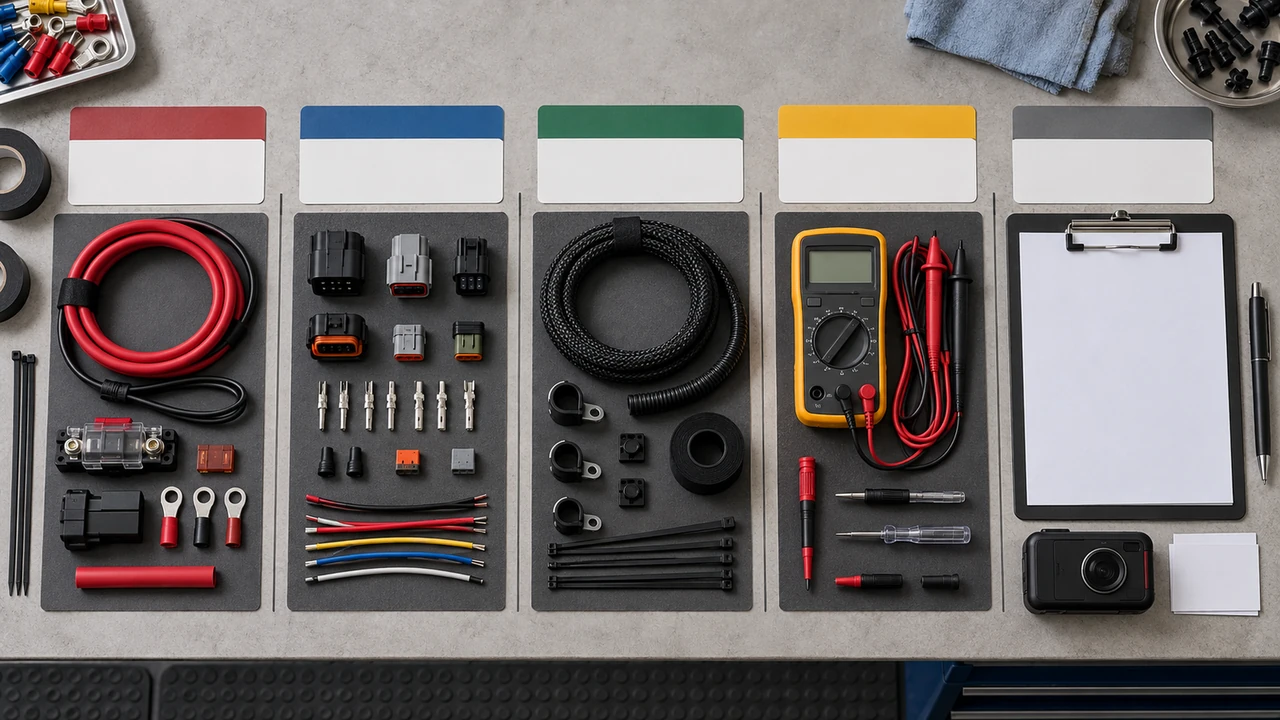
State who supplies the connector, mating part, terminals, seals, fuse, relay, strain relief, conduit, abrasion protection and labels. Show the route and what it avoids: moving linkages, sharp edges, hot surfaces, water paths and control units. Note any disturbed factory insulation and its restoration.
Give the installer a controlled drawing or photo with device position, cable entry, service loop, bend allowance and fastening points. Keep power and signal responsibilities legible. A neat bundle is not evidence of correct interface selection; a fitting connector is not evidence that the vehicle-side route is supported.
Use a vehicle-specific example only as an example. Teltonika’s MB Actros installation note describes one FMS/TACHO connection and check after configuration. It cannot be generalized to every HGV or tachograph generation.
Assign installer ownership and planned downtime
Put one role against each action: vehicle operator for access and return-to-service, installer for harness and mounting, hardware supplier for terminal documentation, integration owner for configuration and data receipt, and reviewer for acceptance. “Supplier will advise” is not an owner in the workshop.
Agree the downtime window and extension rule before panels are removed. Record vehicle state, existing connections, ignition state and warning lights. Define who can stop the job when the actual connector or route differs. A professional installation includes restoration notes and an explicit list of what remains untested.
Configure and commission with evidence
Commissioning should be a sequence with observable checkpoints. Capture the installed terminal identity and configuration version, the power and ignition checks, physical-interface status, network registration, the intended DDD request or test response, and the receiving acknowledgement. If the route is not yet connected to a company card or destination platform, say so. A dashboard light or a successful modem registration is not a signed-file receipt.
| Checkpoint | Evidence to retain | Stop or pass boundary |
|---|---|---|
| Before state | Vehicle identity, panel condition, existing harness and measured supply/ground state. | Stop if the baseline is missing. |
| Configuration | Terminal identity, firmware/configuration record, route and input mapping. | Do not inherit an unverified profile. |
| Physical link | Connector, pin or FMS/RDD path and an interface-specific diagnostic result. | Pass only for the named configuration. |
| DDD route | Company-card authentication result, request/response and signed-file identifier where in scope. | Unknown remains unknown; CAN alone is not pass. |
| Receiving side | Archive or destination-platform acknowledgement and file integrity check. | No acknowledgement means no handoff claim. |
| Return to service | Panels, warnings, ignition states and restoration owner sign-off. | Hold the vehicle if the agreed state is not restored. |
Plan fault isolation, restoration and rollback
Separate the layers: vehicle access and power, ground and ignition, connector and physical interface, terminal configuration and network, DDD authentication/request, then file receipt and platform handoff. Record the first failed boundary before retrying.
Rollback should be written: power down, disconnect the intended connector, restore insulation and fasteners, remove temporary labels or jumpers, recheck warnings and ignition states, and obtain return-to-service sign-off. If the original state cannot be reconstructed, stop. Rollback proves restoration, not DDD success.
Record the handoff package
Handoff records make the installation reviewable by the next owner. Keep the work order, vehicle and tachograph identity, annotated access photo, harness and connector details, configuration snapshot, measurements, diagnostics, test request/response, signed-file or destination receipt where applicable, open unknowns and rollback note together. Keep source-backed facts, project inputs, working judgments and unknowns distinct rather than flattening them into “complete”.
| Handoff record | Minimum contents | Do not claim |
|---|---|---|
| Physical package | Mounting, harness, connector, protection, routing and restoration photos or drawings. | Universal installation coverage. |
| Configuration package | Terminal identity, version, interface selection, route and parameter owner. | Untested model or generation support. |
| Commissioning package | Measured states, diagnostic result, test request/response and timestamps. | Company-card or signed-file success without evidence. |
| Destination package | Archive/platform receipt, file identifier, integrity check and receiving owner. | Delivery from a local counter or timer event. |
| Open-items package | Unknowns, stop conditions, next check, owner and decision date. | Legal compliance or product capability conclusion. |
Keep DDD separate from CAN, fuel and AdBlue
Remote DDD is a tachograph file path with authentication, download and handoff evidence. Fuel, AdBlue, mileage, engine and other live fields are vehicle FMS/J1939/CAN questions. The fields may travel through related vehicle wiring, but they are not the same acceptance result. A hard-wired terminal can be physically stable while one or both data paths remain unavailable or unverified.
The rFMS specification makes this boundary visible: it can expose driver-card and tachograph files through an OEM back office, while unsupported or unavailable parameters may be absent and vehicle-side downloading remains OEM-specific. That is why the destination platform, vehicle model and requested fields must be named. Do not infer fuel or AdBlue availability from a DDD result, and do not infer DDD from a CAN or J1939 result.
For the route comparison, see the FMS/RDD or direct tachograph route comparison; for scheduling, see the scheduled DDD definition guide, and for the receiving boundary see the file-delivery handoff checklist. For vehicle-specific fuel and AdBlue questions, use the validation guide. The DDD centre remains at Remote Tachograph DDD Download Hardware for HGV Fleets.
Unknowns are stop conditions
Stop the affected scope when the tachograph model or generation, vehicle access point, FMS/RDD versus direct route, destination platform, company-card owner, physical connector, restoration plan or evidence owner is unknown. “Likely compatible” is not a commissioning result.
- Unknown: actual vehicle and tachograph combinations, connector access and downtime.
- Unknown: route-specific hardware, company-card backend, schedule, retry and destination behaviour.
- Unknown: vehicle-level CAN, fuel and AdBlue field availability and scaling.
Record the missing input, owner and next check. Keep the installation proposal under review until the stop condition is closed.
Questions before the installation starts
Does hard-wired installation prove remote DDD compatibility?
No. Hard-wiring proves only that a physical installation was scoped or completed. Remote DDD still needs tachograph, route, authentication, signed-file and receiving-platform evidence for the intended configuration.
What vehicle information should be confirmed first?
Confirm the vehicle and tachograph access point, tachograph brand, model and generation, intended FMS/RDD or direct route, available downtime and the owner who can approve the installation boundary.
What should the installer document about power and ground?
Document the chosen supply, ground point, ignition source, protection, routing and measured pre- and post-installation state. A vendor manual is an implementation example, not a universal wiring rule.
Can a CAN or J1939 label prove DDD support?
No. CAN and J1939 labels describe possible vehicle-data interfaces; they do not prove tachograph access, company-card authentication, signed-file retrieval or a DDD handoff.
Who should own harness and connector decisions?
Name the vehicle-side installer, hardware supplier and integration owner for the harness, connector, fuse, protection, routing and restoration decisions, with an evidence owner for each handoff.
What counts as commissioning evidence?
Commissioning evidence should show the intended vehicle, configuration, power and ignition checks, physical interface result, network state, test request or response and the receiving-platform acknowledgement, with unknowns retained.
What should happen when an installation input is unknown?
Treat the unknown as a stop condition for that scope. Record the missing input, owner and next check instead of inferring compatibility, legal compliance or a successful download.
What should a buyer provide for a scoped hardware review?
Provide the tachograph model and generation, intended FMS/RDD or direct route, vehicle access constraints and destination platform so a scoped hardware review can be prepared without promising compatibility or delivery.